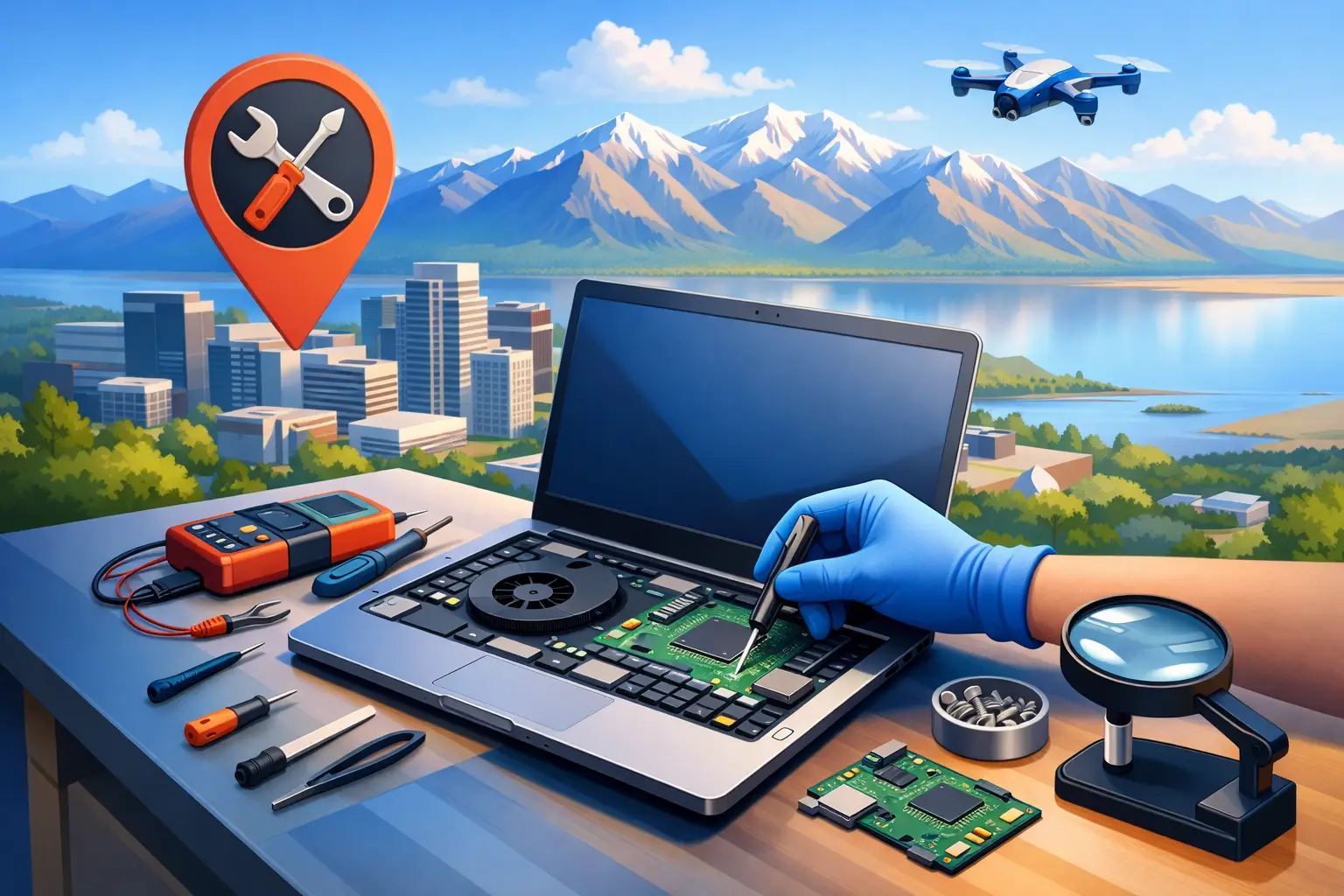
A cracked screen before a work deadline, a battery that dies at 30 percent, or a charging port that only works if the cable sits at a weird angle – these are the moments when people start searching for laptop hardware repair near me. Usually, they do not want a lecture on parts. They want to know who can fix it, how fast it can happen, and whether the price will make sense.
That is the real issue with laptop hardware problems. They are not just technical. They interrupt school, work, meetings, billing, and everyday life. If you are in Salt Lake City, the best repair option is not always the shop with the biggest sign. It is the service that can diagnose the problem clearly, explain the fix in plain English, and get you back up and running without adding more stress.
What laptop hardware repair near me should actually include
A lot of people use the phrase “hardware repair” to mean anything that is not working. In practice, that usually points to a physical component failure rather than a software issue. Common examples include broken screens, failing keyboards, damaged charging ports, worn batteries, bad hinges, overheating fans, failing hard drives or SSDs, RAM problems, motherboard issues, and liquid damage.
The challenge is that symptoms can overlap. A laptop that will not turn on could have a dead battery, a failed power jack, a bad motherboard, or even a storage issue that makes it look more serious than it is. That is why a proper diagnostic matters. Good repair starts with finding the actual cause, not guessing and swapping parts.
For local customers, convenience matters just as much as technical skill. If you are searching for nearby help, you are probably hoping to avoid packing up your device, waiting in line, and being told to come back in a week. A mobile service model makes a big difference because it brings support to your home or office and cuts down on downtime.
The most common laptop hardware problems we see
Screen damage is still one of the top repair calls. Sometimes it is obvious – black spots, lines, flickering, or shattered glass. Other times the laptop works fine on an external monitor, which tells you the main system is still alive but the display assembly has failed. In those cases, replacing the screen can be straightforward, but it depends on the model and part availability.
Battery issues are another big one, especially on older laptops. If your battery drains fast, swells, overheats, or causes random shutdowns, that is a hardware issue worth addressing quickly. A swollen battery is not something to ignore. It can press against the keyboard or trackpad and lead to more expensive damage.
Charging problems also send a lot of people looking for local repair. Sometimes the charger is the problem. Sometimes the DC jack or USB-C charging port is loose or damaged. This is where a proper inspection saves time and money because replacing the wrong part will not solve anything.
Then there are keyboards, touchpads, hinges, and fans. These may sound minor compared with a dead motherboard, but they affect daily use right away. A failing fan can also lead to heat damage if it is left alone. What starts as loud noise and overheating can turn into sudden shutdowns or shortened component life.
How to choose a local laptop hardware repair service
When people search for local repair, they often compare based on price alone. That makes sense, but it should not be the only factor. The cheapest option is not always cheaper if the diagnosis is rushed or the repair does not hold.
Look for a service that explains what they found, what part may be needed, and whether repair is worth it based on the age and value of the laptop. Sometimes the right answer is to fix the machine. Sometimes the smarter move is to recover data and put that money toward replacement. Honest advice matters, especially if you are using the laptop for business or school and cannot afford repeat issues.
Clear billing also matters. Hourly pricing is often better than vague flat-rate promises because you know how charges are being handled. If diagnostics are free, that is even better. It lowers the pressure and lets you make a decision based on facts instead of fear.
Availability matters too. Hardware problems rarely happen at a convenient time. If your laptop fails during a weekend project, before a Monday presentation, or in the middle of a late-night deadline, fast response becomes part of the value.
Why mobile repair makes sense in Salt Lake City
Traditional repair shops still work for some situations, but they are not always built around urgency. You drive there, leave the laptop, wait for an estimate, and then wait again for parts or labor. That process can be fine if you have a backup device and plenty of time. A lot of people do not.
For homeowners, students, and remote workers, on-site service is simply easier. You do not have to rearrange your day around a shop visit. You can have someone inspect the laptop where you are, answer questions in real time, and help you understand whether the issue is fixable that day or needs a follow-up.
For small businesses, the benefit is even bigger. If an employee laptop goes down, it is not just one device. It can affect email access, customer communication, inventory systems, remote logins, and overall productivity. Mobile support reduces interruption and gives businesses a way to solve the problem quickly without pulling staff away from work.
That is one reason companies like Don’t Panic! Computer Repair stand out in Salt Lake City. Fast response, on-site service, free diagnostics, and straightforward hourly billing help remove the usual friction that comes with repair.
What to expect from the repair process
A good repair experience should feel simple. First comes the diagnostic. That means checking power, charging behavior, startup response, display output, temperatures, storage health, physical wear, and any signs of impact or liquid exposure. The goal is to identify the root cause before talking about solutions.
Next comes the explanation. You should know whether the issue is repairable, what parts may be involved, how long it may take, and what the likely cost range looks like. If there are trade-offs, you should hear those too. For example, replacing a screen on a newer laptop may make perfect sense, while replacing a motherboard on an older low-cost system may not.
Then comes the actual repair or next-step recommendation. Some problems can be resolved quickly. Others depend on part availability or the device design. Ultra-thin laptops, some Apple models, and newer premium systems can be more complicated because components are tightly packed or paired with specific hardware.
When repair is worth it and when it is not
Not every broken laptop should be repaired. Age, model, performance, and replacement cost all matter. If your laptop is only a couple of years old and the issue is a battery, screen, fan, keyboard, or charging port, repair is often the practical choice. If the machine still meets your needs, fixing one failed component can extend its life at a reasonable cost.
If the system is already slow, outdated, and dealing with a major board-level issue, repair becomes less obvious. In those cases, it may make more sense to recover important files and replace the laptop. That is especially true if the repair cost approaches a large percentage of what a better replacement would cost.
This is where clear advice helps. People do not need pressure. They need a realistic recommendation based on how they use the machine.
A few signs you should not wait
If your battery is swelling, your laptop smells like something is burning, the hinge is separating the case, the fan is grinding loudly, or the charging port sparks or cuts in and out, do not keep forcing it. Those are the kinds of issues that can get worse fast.
The same goes for liquid damage. Even if the laptop turns back on after a spill, corrosion can continue after the fact. Quick diagnosis improves the odds of limiting damage and protecting your data.
If you are searching for laptop hardware repair near me, you are probably already dealing with a machine that is slowing you down. The next step should bring relief, not more hassle. Get the problem checked, get a clear answer, and make the repair decision based on what works best for your time, your budget, and how much you rely on that laptop every day.