When your laptop starts freezing right before a work deadline or your email suddenly stops syncing, you usually do not want a lecture on technology. You want it fixed. That is exactly where remote computer support for home users makes sense – fast help, no trip to a repair shop, and a clear path back to normal.
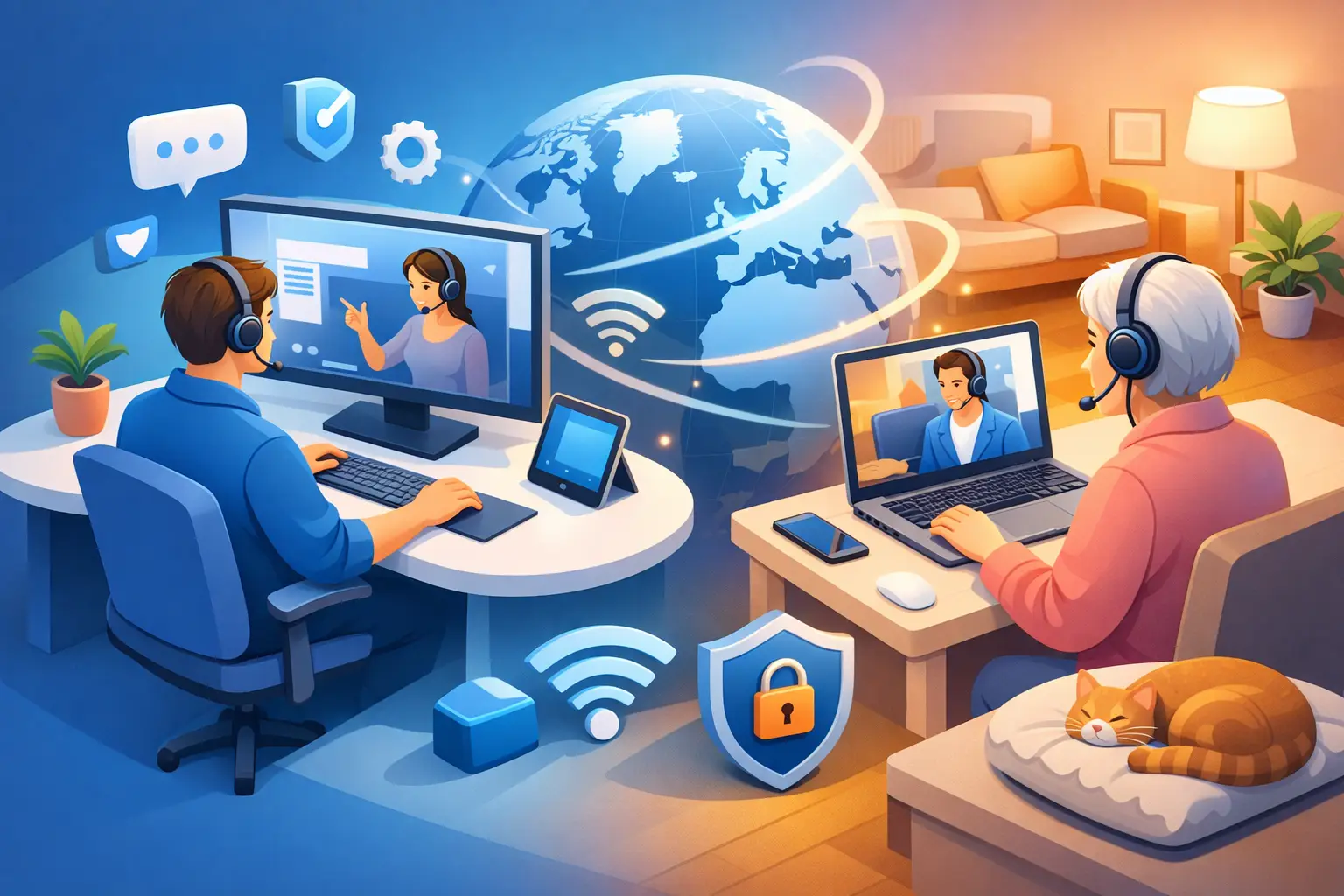
For many problems, remote support is the quickest option available. A technician connects securely to your computer, checks what is happening, and starts troubleshooting in real time while you watch. If the issue can be handled remotely, you save time and avoid dragging a desktop across town or losing half a day waiting in line.
What remote computer support for home users actually covers
A lot of people assume remote help only works for simple questions. In reality, it can solve a wide range of common problems. Slow performance, software errors, printer setup, email issues, browser problems, malware checks, update failures, and operating system settings are all frequent examples.
It is also a good fit for home office setups. If your webcam stops working before a meeting, your VPN will not connect, or your second monitor refuses to cooperate, remote support can often get you back on track quickly. Students, remote workers, and families all run into these kinds of issues, and many of them do not require an in-person visit.
That said, remote support is not magic. If a laptop has liquid damage, a broken screen, a failed hard drive, or a charging port that physically came loose, someone still needs hands on the machine. The honest answer is that some issues are software problems and some are hardware problems. A good technician should tell you which is which early, not after billing unnecessary time.
Why home users choose remote help first
The biggest reason is convenience. You stay home, keep your device with you, and get help without unplugging everything. That matters if you have a busy schedule, limited transportation, or a desktop computer that is not exactly easy to move.
Speed is the next big factor. Remote support often starts sooner than an in-shop appointment because there is no intake process, no travel time, and no waiting for your device to make it onto a bench. If the problem is software-based, the repair can begin almost immediately.
There is also less interruption to your day. You can ask questions as the work happens, see what changed, and understand what caused the issue in plain English. For many home users, that is more reassuring than dropping a computer off and hoping for a callback later.
For local customers in Salt Lake City, this approach is especially useful when the goal is fast troubleshooting with clear pricing. If remote support solves the issue, great. If it turns out you need on-site help, the transition is straightforward.
How a remote support session usually works
The process should be simple. First, you describe the problem. A technician asks a few basic questions about the device, the symptoms, and when the issue started. That short conversation matters because it helps separate a simple settings issue from a more serious failure.
Next, you are guided through a secure remote connection. You approve access, and the technician works on the device while you remain in control of the session. You can usually watch what is happening on the screen, which helps remove a lot of the uncertainty people feel.
From there, the technician tests likely causes, applies fixes, and checks whether the problem is fully resolved. If it is something like a bad software update, a startup issue, or a misconfigured printer, the fix may be fairly quick. If it points to failing hardware or a deeper network problem, you should get a clear explanation of the next step instead of vague technical jargon.
Is remote computer support safe?
This is one of the first questions home users ask, and it is a fair one. Giving someone access to your computer should never feel casual. Remote support can be safe when it is handled properly, but trust depends on process.
A reputable provider should explain how access works, ask for your permission before connecting, and make it clear when the session starts and ends. You should know who you are working with, what they are changing, and whether any restart or login will be required.
It is also reasonable to ask questions before the session begins. If a company rushes past those concerns, that is not a great sign. Good support is not just about technical skill. It is about being transparent, respecting privacy, and keeping the customer informed.
One trade-off to keep in mind is that remote support depends on an active internet connection. If your internet is the problem, remote help may be limited until basic connectivity is restored. In those cases, phone guidance or an on-site visit may make more sense.
When remote support is the best option
If your computer turns on, connects to the internet, and the issue appears to be software-related, remote support is often the smartest first step. It works well for virus concerns, startup slowdowns, account problems, update errors, application crashes, and general troubleshooting.
It is also a practical choice when you need help quickly but do not want the inconvenience of unplugging your setup. That is especially true for home users with multiple peripherals, custom monitor arrangements, or family computers that everyone shares.
Remote support is also useful for smaller tasks that still eat up your time. Setting up email, removing annoying pop-ups, configuring a printer, fixing browser settings, or connecting a new device may not sound major, but they can still stop your day cold. Getting those issues handled quickly is often worth far more than the time spent trying random fixes on your own.
When an on-site visit makes more sense
Some problems need hands-on service from the beginning. If the computer will not power on, the screen is physically damaged, the battery is swelling, the fan is making grinding noises, or the machine suffered a drop or spill, remote support is probably not enough.
Home network problems can also fall into this category. If the issue involves router placement, cabling, dead zones, hardware replacement, or multiple devices losing connection for unclear reasons, having someone there in person can save a lot of guesswork.
This is where a hybrid service model is valuable. A company that offers both remote and on-site support can start with the fastest option and switch when needed. That usually saves time and keeps the repair process simpler for the customer.
What to look for in a remote support provider
For home users, the best support company is not always the one with the biggest sales pitch. It is the one that communicates clearly and respects your time. Start with responsiveness. If you are dealing with a real problem, you should not have to wait days for a reply.
Pricing should also be easy to understand. Confusing service tiers, surprise fees, or vague estimates tend to create more stress, not less. Clear hourly billing is often a better fit because you know how time is being used and what you are paying for.
It also helps to choose a provider that can explain technical issues in normal language. Most customers are not looking for a lesson in operating systems. They want to know what went wrong, whether their data is safe, what it will take to fix, and how soon life gets back to normal.
If local support matters to you, working with a nearby company has real advantages. You are not just dealing with a random call center. You are working with someone who can also come out if the issue turns out to be more than a remote fix. For many people, that peace of mind is a big part of the value.
A practical first step for a lot of home tech problems
Remote computer support for home users is not the answer to every repair, but it is often the fastest and least stressful place to start. It gives you immediate troubleshooting, real-time answers, and a good chance of fixing the problem without leaving home.
When the issue can be solved remotely, you save time. When it cannot, you still get a clear diagnosis and a sensible next step. That is the kind of support people usually want in the first place – calm, direct help that gets the problem under control.
If your computer is slowing you down, the best next move is usually the simplest one: get someone qualified to look at it before a small issue turns into a bigger one.