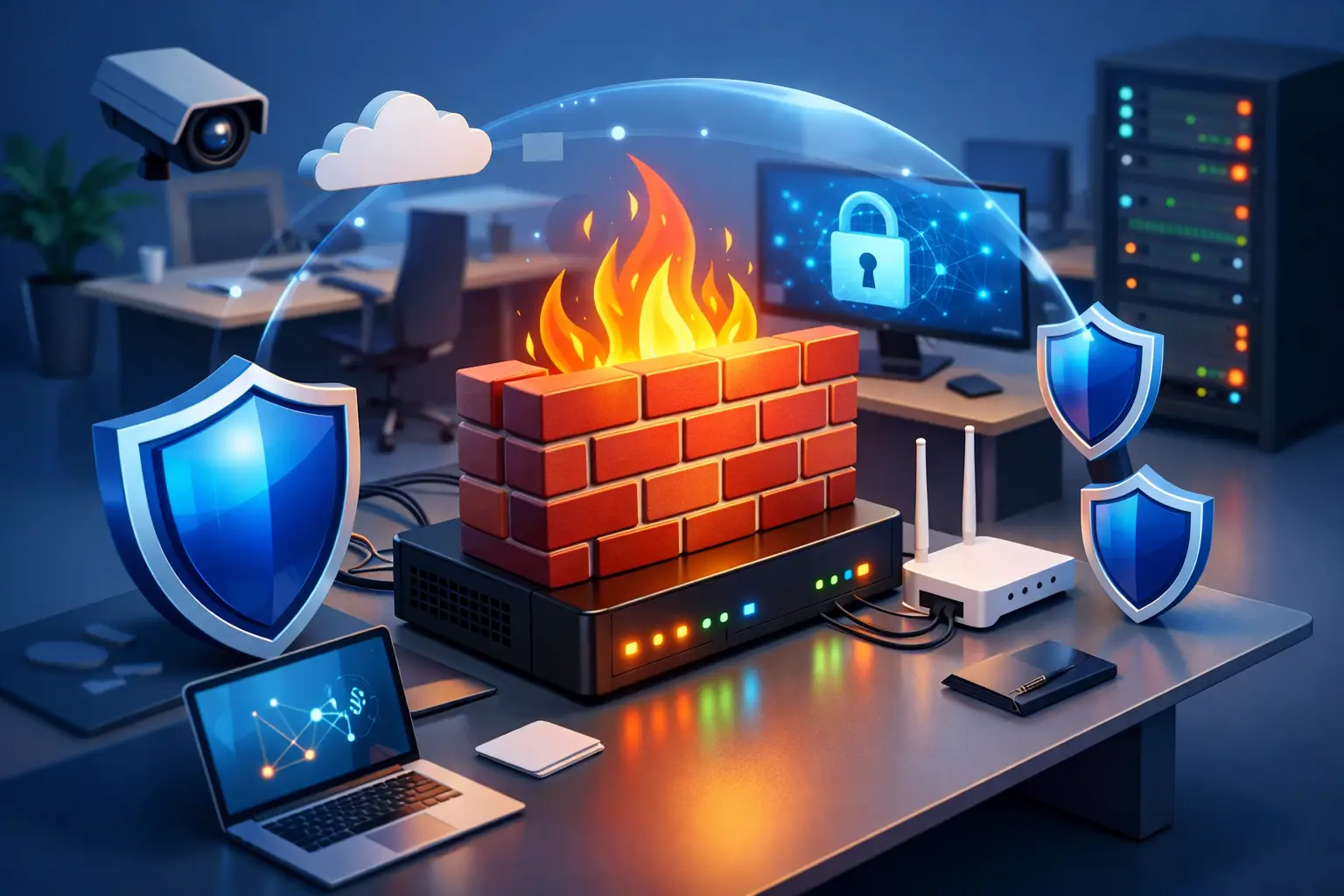
A firewall problem usually shows up at the worst possible moment – the card reader stops connecting, remote staff lose access, or the office internet feels fine until one critical program will not load. That is when many owners start looking for business firewall setup help, not because they want to become network experts, but because they need the office working again without guesswork.
For a small business, the firewall is not just another box sitting near the modem. It controls what traffic gets in, what goes out, and which parts of your network can talk to each other. When it is set up correctly, most people never think about it. When it is set up poorly, you get slow systems, broken connections, security gaps, and hours of lost productivity.
What business firewall setup help actually includes
A lot of business owners assume firewall setup means plugging in hardware and turning on a few security features. In reality, the setup depends on how your business operates. A medical office, a retail store, a law firm, and a construction company may all need internet access, shared files, printers, Wi-Fi, and remote connections, but their risk level and traffic needs are not the same.
Good business firewall setup help starts with the basics. What internet service do you have? How many computers and mobile devices are connected? Do you have point-of-sale systems, cloud apps, VoIP phones, security cameras, VPN users, or guest Wi-Fi? If those questions are not part of the conversation, the setup is probably being treated too casually.
A proper setup usually includes network assessment, firewall installation or replacement, rule configuration, secure wireless planning, remote access setup if needed, firmware updates, and testing. It should also include plain-English explanations so you know what was changed and why.
Why small businesses get firewall setup wrong
Most firewall issues do not come from bad intentions. They come from rushed decisions. A business moves into a new office, internet gets installed, someone connects a basic router, and everyone hopes it will be good enough. Sometimes it works for a while. Then the company adds staff, cloud software, or remote users, and the weak spots show up quickly.
Another common problem is overcomplicating the setup. Someone reads a forum, copies enterprise-level settings, and creates a network that is technically locked down but practically unusable. Staff cannot print, a vendor cannot access the system they maintain, or a payroll program keeps timing out. Security matters, but so does keeping your business functional.
There is also the issue of old equipment. Many small offices are still relying on outdated networking hardware that was never meant to handle current security needs, heavier traffic, or modern remote work. If the firewall hardware is too old, no amount of tweaking will turn it into a reliable long-term solution.
Signs you need business firewall setup help now
If your office has random connection problems, that is one clue. If remote desktop or VPN access only works sometimes, that is another. If employees are using one network for everything, including guest devices and business systems, that deserves attention. The same goes for offices where nobody knows the admin password, nobody knows who set up the network, or changes have been piled on for years without documentation.
Security warnings, unusual network slowdowns, or repeated software communication issues can also point back to firewall configuration. Not every internet problem is a firewall problem, but enough of them are that it is worth checking before the downtime gets more expensive.
A small business should also take a closer look if it recently added new software, moved locations, expanded staff, started supporting remote workers, or began handling more sensitive customer information. Those changes often require firewall adjustments, not just a faster internet plan.
The right firewall depends on the business
There is no single firewall that is right for every office. A two-person accounting firm does not need the same setup as a warehouse with multiple workstations, cameras, and cloud-based inventory systems. The goal is to fit the firewall to the business, not force the business to work around the firewall.
For some offices, a straightforward setup with secure remote access, content filtering, and separate guest Wi-Fi is enough. For others, the priority may be traffic management, VPN stability, device segmentation, or tighter control over who can access internal systems. This is where experience matters. The best answer is often, it depends.
That does not mean the process needs to be confusing. It means the setup should reflect your actual needs, your budget, and how much management you want to handle yourself. Some businesses want a simple, dependable system they rarely think about. Others need more active monitoring and tighter policy control.
What a good setup should accomplish
A good firewall setup should make the business safer without getting in the way of daily work. That sounds obvious, but many setups fail one side or the other. Either they are too open and create security exposure, or they are so restrictive that routine business tasks become support tickets.
At minimum, your firewall should help separate business devices from guest traffic, reduce unnecessary exposure to the internet, support secure remote access when needed, and give you more visibility into suspicious activity. It should also support stable performance. Security and speed are not opposites when things are configured correctly.
If your office uses cloud services heavily, the firewall should be tuned for that reality. If you rely on in-office servers, shared folders, or line-of-business applications, those systems need to be considered during setup. This is why a copy-and-paste approach rarely works well.
Common firewall mistakes that cost businesses time
One expensive mistake is opening ports too broadly because a program is not connecting. That can solve a short-term problem while creating a larger security issue. Another is using the default configuration and assuming it covers everything important. Default settings are a starting point, not a full business security plan.
Weak passwords and unchanged admin credentials are still a problem in smaller offices, especially when networking equipment was installed years ago and then ignored. So is mixing employee devices, business machines, and guest phones on the same network. It may feel convenient, but it increases risk and makes troubleshooting harder.
A quieter mistake is failing to document the setup. When there is no record of login information, rules, WAN settings, or equipment details, every future issue takes longer to resolve. If your business depends on internet access to function, undocumented network changes are a liability.
How local support makes firewall setup easier
For many small businesses, the real issue is not understanding every firewall feature. It is getting a clear answer quickly and having someone available when the office cannot wait. That is where local support has real value.
When a technician can look at your workstations, printers, phones, wireless coverage, and line-of-business software in the actual office, problems become easier to identify. Remote support can handle a lot, but on-site help is often the fastest path when a network has multiple moving parts or when a business has been patched together over time.
A local provider should be able to explain what needs to be fixed, what can stay, and what is worth upgrading now versus later. That matters for budgeting. Not every office needs a full network overhaul. Sometimes the right move is a targeted firewall correction, better segmentation, and cleanup of old settings.
For Salt Lake City businesses without an internal IT department, having responsive firewall and network support can prevent minor issues from becoming all-day outages. That is the practical side of security most owners care about – less downtime, fewer surprises, and a network that stops demanding constant attention.
When to call for help instead of troubleshooting alone
If your firewall setup touches remote access, servers, payment systems, medical or legal data, security cameras, or multiple office locations, it is smart to get professional eyes on it. The same goes if a recent change broke part of the network and you are not sure what was modified.
Trying random fixes on a business network can create more disruption than the original problem. A careful diagnosis usually saves time. At Don’t Panic! Computer Repair, that is the goal: reduce stress, explain the problem clearly, and get the network working the way your business needs it to.
A well-set firewall should not be something you worry about every week. It should quietly do its job while you do yours. If your office network feels unreliable, confusing, or one small issue away from a bigger mess, getting the right help now is a lot easier than cleaning up after the wrong setup later.