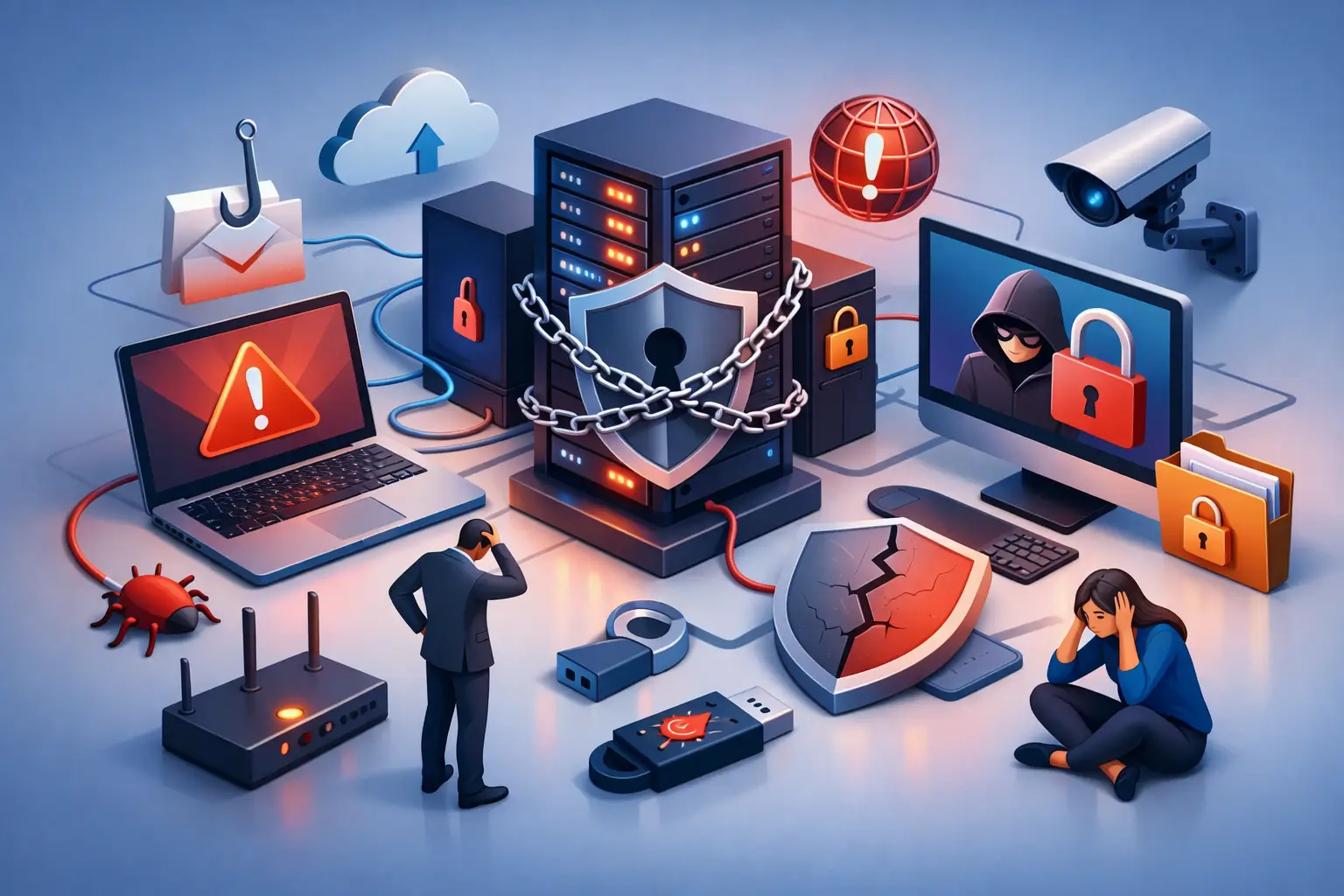
A single employee clicking a convincing invoice can turn a normal Tuesday into a business-wide outage. The top office network security mistakes are rarely dramatic technical failures at first. More often, they are small gaps – an old password, an unpatched computer, a shared Wi-Fi network – that give an attacker an easy way in.
For a small Salt Lake City business, the cost is more than a repair bill. It can mean unavailable customer records, missed appointments, payroll delays, lost trust, and staff who cannot do their jobs. The good news is that most common network security problems can be found and fixed before they become an emergency.
1. Treating Wi-Fi as One Big Network
Many offices put every device on the same wireless network: employee computers, personal phones, printers, guest devices, smart TVs, cameras, and sometimes point-of-sale equipment. It is convenient, but it also means one compromised device may have a direct path to systems that matter.
Set up separate networks for employees, guests, and business equipment where appropriate. Guest Wi-Fi should not be able to reach workstations, servers, shared folders, or network printers. Devices such as cameras and smart displays may also deserve their own isolated network, especially if they are older or no longer receive security updates.
This does not need to be complicated for a small office. The right setup depends on your router or firewall, the number of devices, and whether your team needs access to local files or specialized equipment. What matters is limiting how far a problem can spread.
2. Using Weak, Reused, or Shared Passwords
A password written on a sticky note is a familiar office problem, but password risk goes further. Reusing one password for email, remote access, accounting software, and cloud storage creates a major exposure. If one service suffers a breach, criminals often try those same credentials everywhere else.
Shared logins are another issue. When several employees use one account, there is no clear record of who accessed information or changed a setting. It also becomes difficult to remove access quickly when someone leaves the company.
Require a unique password for every account, use a password manager, and turn on multifactor authentication wherever it is available. Multifactor authentication is especially valuable for email, remote desktop access, financial systems, and Microsoft 365 or Google Workspace accounts. A stolen password alone should not be enough to enter your business systems.
3. Delaying Updates Until “Later”
Updates can interrupt a workday, so it is understandable that businesses postpone them. Unfortunately, attackers actively look for known weaknesses in Windows, browsers, firewalls, routers, server software, and common business applications. A missed update can become an open door.
The goal is not to install every update the minute it appears without checking. Some line-of-business software needs testing, and server updates should be planned carefully. But “we will get to it eventually” is not an update policy.
Create a regular patching schedule for computers, network equipment, and software. Enable automatic updates where they make sense, then confirm they are actually completing. Older devices that cannot run supported software need an honest review: isolate them, replace them, or understand the risk they introduce.
4. Assuming Backups Will Work When Needed
Backups are essential, but having a backup drive connected to the office computer is not the same as having a recovery plan. Ransomware can encrypt connected backup drives. Cloud synchronization can copy deleted or encrypted files to the cloud. A backup that has never been tested may not restore cleanly when the pressure is on.
A practical backup plan keeps more than one copy of important data, with at least one copy protected from the main network. That may include a secure cloud backup with version history, an offline backup, or another protected location. Servers, shared files, accounting data, configuration files, and critical workstations all need to be considered.
Most importantly, test a restore. Recover a sample file, a folder, or a test system and verify that it opens correctly. Knowing that data exists is helpful. Knowing you can restore it within the time your business can tolerate is much better.
5. Leaving the Router or Firewall on Default Settings
The internet connection is where many offices begin and end their security planning. They install whatever device came from the internet provider, leave the default configuration in place, and assume it is handling everything. Sometimes it is. Often, it is not enough for a business with remote workers, shared files, servers, or sensitive customer data.
Default administrator passwords, outdated firmware, unnecessary remote management, and open ports are common problems. So is relying on a consumer-grade router long after the office has outgrown it.
A properly configured firewall can help control incoming and outgoing traffic, separate networks, support secure remote access, and provide useful visibility when something unusual happens. The best choice depends on your office size and workload. A five-person office does not necessarily need enterprise hardware, but it does need more than guesswork.
6. Giving Everyone More Access Than They Need
Employees need the tools required to do their jobs, not unrestricted access to every folder, application, and administrative setting. Excessive permissions increase the damage a phishing attack, lost laptop, or internal mistake can cause.
Review who can access financial information, employee records, customer databases, shared drives, and server administration. Remove former employees promptly. Avoid giving daily-use accounts administrator rights unless there is a real business reason.
This can feel inconvenient at first, particularly in smaller teams where everyone helps with everything. But separating regular user accounts from administrative access is one of the simplest ways to reduce risk. If malware runs under a standard account, it has fewer opportunities to alter the whole network.
7. Treating Email Security as an Employee Problem Only
Phishing messages are designed to look normal. They may imitate a vendor, a manager, a shipping company, or a customer asking for an urgent document. Telling employees to “be careful” is not enough when attackers are skilled at creating pressure and confusion.
Use technical safeguards alongside training. Spam filtering, attachment scanning, domain protections, multifactor authentication, and clear reporting procedures all help. Employees should know they can pause and verify a suspicious payment request or password reset without being blamed for slowing things down.
Brief, repeated training works better than a once-a-year lecture. A team that knows how to recognize a fake sign-in page or unusual invoice is an asset. A team that feels rushed to click is a target.
8. Forgetting About Remote Access and Personal Devices
Remote work is useful, but exposing Remote Desktop Protocol directly to the internet is a frequent and dangerous mistake. Weak remote access settings are a common route into small business networks. The same applies to unmanaged personal laptops accessing company email or files without basic security controls.
Use secure remote access methods, strong authentication, and clear rules for who can connect. Keep an inventory of company computers, phones, tablets, and network equipment. If an employee leaves with a company laptop or loses a phone that has business email, you should know exactly what access needs to be removed.
Bring-your-own-device policies can work, but they need boundaries. At minimum, require screen locks, supported operating systems, and the ability to remove business data when necessary. For highly sensitive work, company-managed devices are often the safer choice.
9. Waiting for an Incident Before Calling for Help
One of the top office network security mistakes is treating security as something to address only after ransomware appears or the internet goes down. By then, the priority becomes stopping damage, determining what was accessed, restoring systems, and getting people back to work. That is stressful and often more expensive than preventive maintenance.
A periodic network review can identify unsupported computers, risky user permissions, exposed services, incomplete backups, and weak Wi-Fi settings before they disrupt your business. It also gives you a clear picture of what equipment you have and what should be replaced next.
If your office network has grown one device at a time, you do not have to rebuild everything overnight. Start with the biggest risks: secure email, strong passwords with multifactor authentication, tested backups, current updates, and a firewall configuration that fits your business. Don’t Panic! Computer Repair can help local businesses assess the setup, explain the options in plain language, and address issues on-site or remotely.
The safest network is not the one with the most complicated equipment. It is the one your business can maintain, monitor, and recover from without panic when something goes wrong.