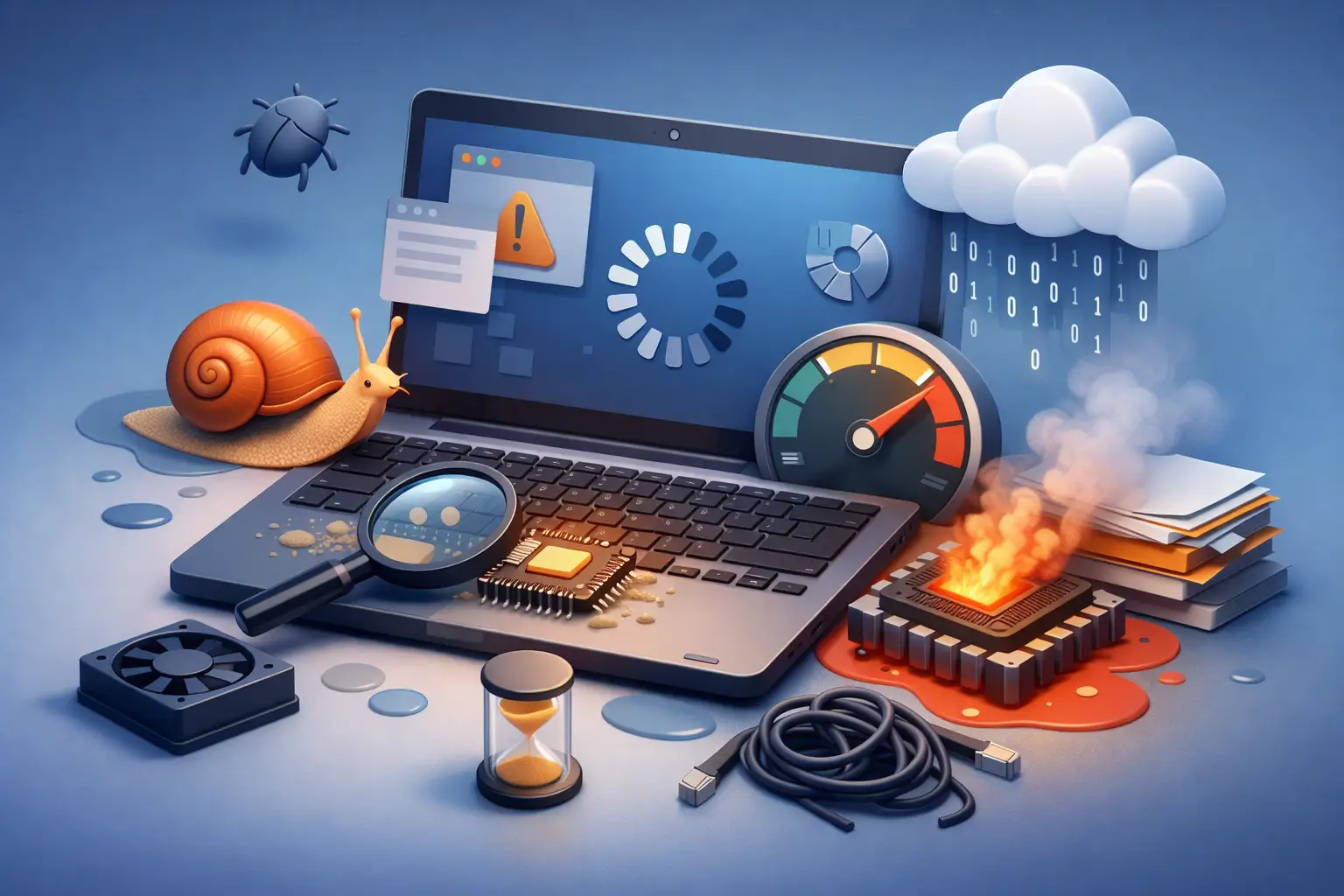
You sit down to answer a few emails, open one browser tab, and suddenly your computer acts like it needs a coffee break. If you have been asking what causes a computer to run slow, the short answer is this: there usually is not just one cause. Slow performance often comes from a mix of software clutter, limited hardware, failing parts, or hidden problems running in the background.
That is why one person can fix a slow PC by removing a few startup apps, while another needs a new drive, more memory, or malware cleanup. The symptoms may look the same, but the reason underneath can be very different.
What causes a computer to run slow most often
In everyday repair work, the most common cause is simply too much happening at once. Computers slow down when the processor, memory, or storage are overloaded. That can happen because too many programs launch at startup, too many browser tabs are open, updates are running in the background, or the machine is trying to work with older hardware that cannot keep up anymore.
A lot of people assume a slow computer means it is old and needs replacing. Sometimes that is true, but often it is not. A three-year-old computer with poor maintenance can feel worse than a well-kept machine twice its age.
Too many startup programs
One of the biggest performance killers is a long list of apps loading as soon as the computer turns on. Chat apps, cloud sync tools, printer utilities, game launchers, update assistants, and security tools all compete for system resources before you even open your first document.
This usually shows up as a computer that takes forever to boot, then feels sluggish for the first ten or fifteen minutes. In some cases, startup overload is the whole problem. In others, it is just the first layer of it.
The trade-off is that some startup items are useful. You may want antivirus software, backup tools, or work applications ready in the background. The goal is not to disable everything. It is to stop unnecessary apps from taking a seat at the table.
Not enough RAM for the way you use it
RAM is the short-term workspace your computer uses while programs are open. If you regularly run a web browser, video meetings, email, spreadsheets, and a few extra apps at the same time, low memory can make the entire system crawl.
When RAM fills up, the computer starts relying more heavily on storage as temporary working space. That is much slower, especially if the machine still uses an old hard disk drive. The result is lag when switching windows, freezing while multitasking, and a general feeling that every click takes too long.
This is where usage matters. A student doing basic web browsing may be fine with modest memory, while a remote worker juggling dozens of tabs and business apps may need much more. Slow is not always about what is installed. Sometimes it is about what is expected from the system.
A nearly full or failing drive
Storage problems are another major reason computers slow down. If your drive is close to full, the system has less room to manage updates, temporary files, and day-to-day operations. Performance can drop gradually, then all at once.
There is also a big difference between drive types. Older mechanical hard drives are dramatically slower than solid-state drives. A computer with a traditional hard drive may still work, but it often feels painfully slow by modern standards, especially during startup, updates, file searches, and opening programs.
Then there is the more serious issue: drive failure. If the storage device is starting to fail, you may notice long loading times, strange noises from a desktop hard drive, file errors, or random freezing. At that point, slow performance is not just annoying. It can be a warning sign that data is at risk.
Malware and unwanted software
If a computer gets slower seemingly out of nowhere, malware is one possibility. Viruses are only part of the picture. Adware, browser hijackers, fake cleanup tools, and other unwanted software can quietly use system resources, interfere with web browsing, and generate constant background activity.
You may notice pop-ups, new toolbars, search redirects, overheating, or fans running hard when very little is open. Some malicious programs are obvious. Others are designed to stay hidden while they consume memory, processor time, or network bandwidth.
Not every slow computer has malware, but it is common enough that it should not be ignored. This is especially true if the slowdown started after downloading free software, opening a suspicious attachment, or clicking a sketchy ad.
Browser overload
For many people, the browser is the computer. That means browser-related slowdowns can feel like the whole machine is failing. Too many tabs, memory-hungry websites, extensions, cached files, and background browser processes can all drag performance down.
Video streaming, online meetings, shared documents, cloud apps, and modern websites use more resources than many people realize. Add ten or twenty tabs, and even a decent machine can start struggling.
Extensions are another hidden issue. Some are useful. Some are poorly coded. Some are not safe at all. If your computer slows down mostly while browsing, the browser itself may be the main culprit rather than the entire operating system.
Heat and dust buildup
Computers do not like heat. When internal temperatures climb too high, the system may reduce performance to protect itself. That process, called thermal throttling, can make a computer suddenly feel slow even if the hardware is otherwise capable.
Dust buildup is a common cause, especially in desktops, older laptops, or homes with pets. Blocked vents, failing fans, and dried-out thermal paste can all lead to overheating. In laptops, this often shows up as loud fan noise, hot surfaces, and sluggish performance during tasks that used to run fine.
This is one of those problems that people often miss because the computer still turns on. But if heat is the issue, software tweaks alone will not fix it.
Outdated software or a bad update
Operating system issues can also be behind slow performance. If the system is badly out of date, it may run inefficiently or face compatibility problems. On the other hand, a recent update can sometimes create new slowdowns due to driver conflicts, corrupted files, or background indexing.
The timing matters here. If the computer became slow right after an update, that is a clue. If it has been gradually getting worse over months, the issue is more likely buildup, aging hardware, or lack of maintenance.
Business computers can be especially affected when security tools, sync services, backup software, and line-of-business apps all compete after updates or patches. One change can ripple across the machine.
Aging hardware
Sometimes the answer to what causes a computer to run slow is simple: the hardware is no longer a good match for current workloads. Software keeps getting heavier. Web apps use more memory. Security tools do more in the background. What felt fast years ago may feel frustrating now.
That does not always mean replacement is the only option. A solid-state drive upgrade or memory upgrade can breathe new life into many systems. But there is a limit. If the processor is too old, the hardware is failing, or the computer cannot support meaningful upgrades, repair may stop making financial sense.
That is where honest diagnosis matters. The right answer is not always a tune-up, and it is not always a new machine either.
What to check before assuming the worst
If your computer is slow, pay attention to when it happens. Is it slow all the time, only at startup, only online, or only when running certain programs? Does it freeze, overheat, or make unusual noises? Has anything changed recently, like an update, new software, or a drop that may have damaged the hardware?
Those details make troubleshooting faster and more accurate. They also help separate a minor cleanup issue from a failing component.
If you are comfortable doing a few basic checks, look at startup apps, free storage space, browser extensions, and whether the system is unusually hot. Restarting the machine can help temporarily, but if the slowdown keeps returning, there is usually a deeper reason behind it.
When it is time to get help
A slow computer is more than an inconvenience. For a student, it can mean missed deadlines. For a remote worker, it can derail the day. For a small business, it can mean lost productivity, frustrated staff, and downtime that costs more than the repair.
If the machine is dragging, freezing, overheating, or showing signs of a failing drive, getting it diagnosed sooner is usually the cheaper move. At Don’t Panic! Computer Repair, that often means finding the exact bottleneck quickly instead of guessing and replacing the wrong part.
A computer usually gives warning signs before it completely fails. Slow performance is one of the clearest ones, and catching it early gives you more options, less stress, and a better chance of getting back to normal without a bigger mess later.

One thought on “What Causes a Computer to Run Slow?”