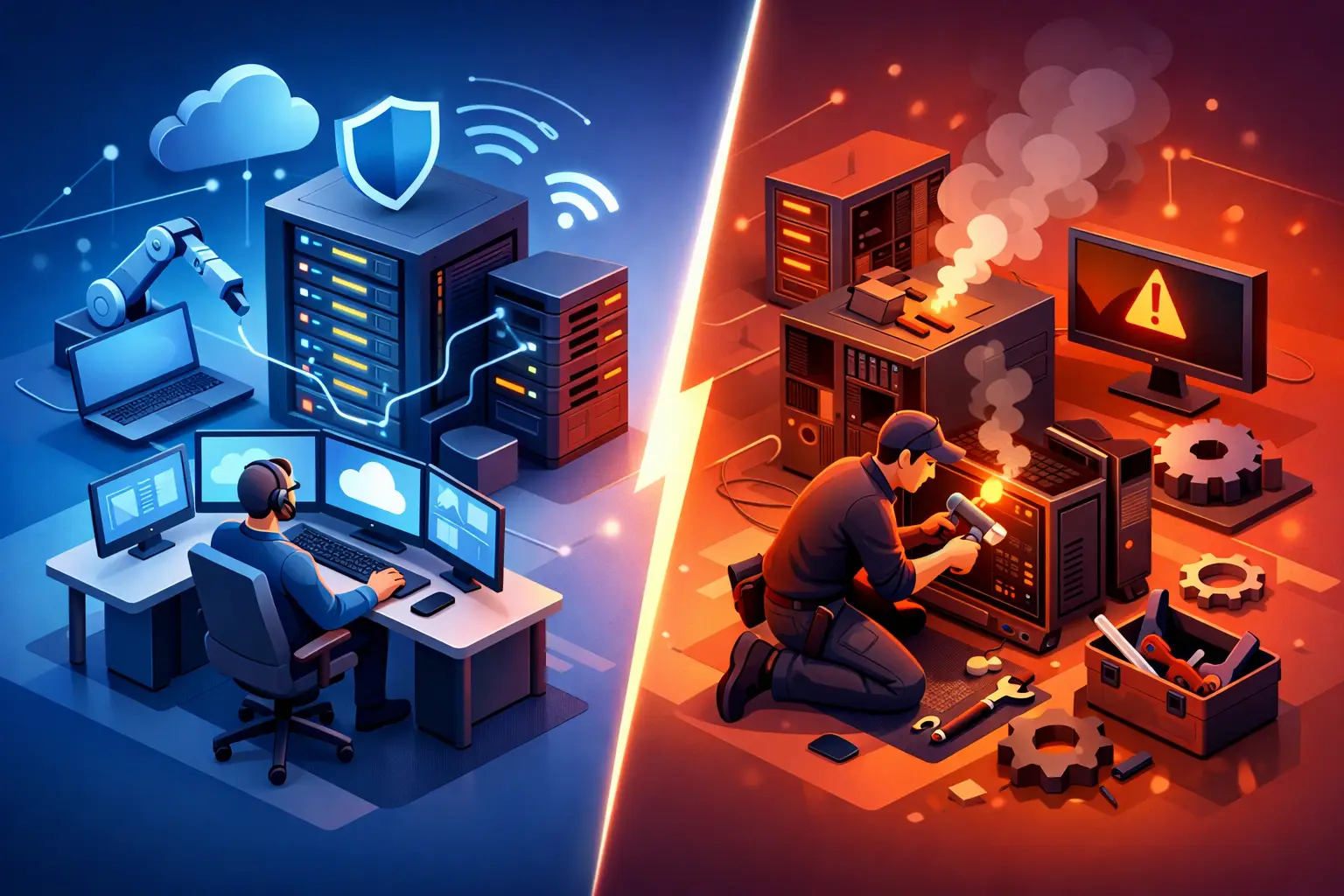
When a server goes down at 9:15 on a Monday morning, the debate around managed IT versus break fix stops being theoretical. It becomes a question of how long your team sits idle, how much money you lose each hour, and whether anyone is already accountable for getting systems back online.
For small businesses in Salt Lake City, that choice matters more than most owners expect. Many companies start with break-fix support because it feels simple. Something breaks, you call for help, and you pay for the repair. That model can work in the right situation. But as a business grows and depends more on email, cloud apps, shared files, Wi-Fi, printers, workstations, and security, the gaps in reactive support tend to show up at the worst possible time.
Managed IT versus break fix: what’s the difference?
Break-fix IT support is reactive. You call after something has already failed. A technician diagnoses the issue, repairs it, and bills for the time or work required. If nothing breaks, you usually pay nothing.
Managed IT support is proactive. Instead of waiting for problems to interrupt your day, a provider monitors systems, handles routine maintenance, watches for security issues, and works to prevent downtime before it affects your staff. You are not just paying for repairs. You are paying for ongoing oversight, faster response, and fewer emergencies.
That is the core difference, but the practical difference is even more important. Break-fix support helps you recover. Managed IT helps you avoid the hit in the first place.
Why break-fix still appeals to small businesses
There is a reason the break-fix model has lasted so long. For very small offices, solo operators, or businesses with limited technology needs, paying only when something goes wrong can feel like the more affordable option.
It is also easy to understand. There is no monthly agreement to think through, no service scope to review, and no question about why you are being billed if nothing appears wrong. If your setup is basic and downtime is rare, break-fix may be enough for a while.
This model can make sense for a home user, a very small company with one or two devices, or a business that needs occasional help with a printer issue, a hardware replacement, or one-time troubleshooting. If your systems are not mission-critical, reactive support may fit your budget and your risk tolerance.
The problem is that many businesses outgrow break-fix before they realize it.
Where break-fix starts to cost more
A break-fix invoice is easy to see. Downtime is harder to measure, which is why many businesses underestimate its cost.
If your staff cannot access files, your point-of-sale system is offline, your shared internet connection is unstable, or ransomware locks a workstation, the repair bill is only one part of the problem. You are also paying employees who cannot work efficiently. You may lose sales, frustrate customers, or miss deadlines. If the issue involves data loss or security, the financial damage can stretch well beyond one service call.
Reactive support also tends to create uneven spending. One month may be quiet. The next month may bring multiple failures because aging hardware, missed updates, or network issues were allowed to build quietly in the background.
That is where managed support changes the conversation. It shifts IT from surprise expense to planned service.
What managed IT actually does
Some business owners hear “managed IT” and assume it is only for large companies with in-house servers and dozens of employees. That is not the case. In many small businesses, managed support is simply a practical way to keep work moving.
A managed approach often includes device monitoring, software updates, patch management, antivirus oversight, backup checks, user support, network reviews, and general planning around hardware life cycles and security. The exact service level varies, but the goal stays the same: catch issues early and reduce downtime.
That matters because many expensive IT problems do not begin as dramatic failures. They start as warning signs – a drive showing errors, a machine missing updates, a firewall that has not been reviewed, or a backup process that has quietly stopped working. By the time those problems become obvious, they are usually more expensive and more disruptive.
Managed IT versus break fix on response time
Response time is one of the clearest differences between these models.
With break-fix support, you typically join the line when something breaks. If the provider is available, help may come quickly. If they are booked, after hours, or waiting on diagnosis, your business waits too.
With managed IT, the provider already knows your environment. They may already be receiving alerts before you notice a problem. That familiarity reduces delays because there is less time spent figuring out what systems you have, how they are configured, and what happened last time.
For a small business, that familiarity matters. It is easier to fix a problem quickly when the technician understands your office setup, your workstations, your network, and the systems your staff rely on every day.
Security is where reactive support falls short
The biggest weakness in break-fix support is not always repair speed. It is security.
Cybersecurity is not a one-time task. It requires updates, monitoring, password practices, backup testing, endpoint protection, and attention to suspicious activity before it turns into a crisis. A break-fix model does not naturally cover that ongoing work unless you request it regularly and stay consistent.
Most small businesses do not have time to manage all of that on their own. They are busy running payroll, serving customers, and handling operations. That means security often becomes something people plan to address later.
Later is usually when an email account gets compromised, a fake invoice gets paid, or shared business files become unavailable.
Managed IT is not a guarantee against every threat, but it gives businesses a much better chance of spotting problems early and reducing exposure.
Which model fits your business?
The honest answer is that it depends on how your business uses technology and how much downtime you can tolerate.
If you are a household user or a very small office with simple needs, break-fix may be perfectly reasonable. If your devices are not central to daily operations and you just want fast help when something goes wrong, there is nothing wrong with that approach.
If your business depends on shared systems, remote access, stable Wi-Fi, secure file storage, email continuity, and employees staying productive, managed IT usually makes more sense. The more your revenue depends on functioning technology, the less practical it is to wait for failure.
A lot of companies fall somewhere in the middle. They may not need a large managed services contract, but they do need more than occasional emergency repair. In those cases, a local provider that can handle both urgent break-fix work and ongoing business support offers a more flexible path.
Cost is not just about the hourly rate
Business owners often compare these models by asking one question: which one is cheaper?
That is understandable, but it is not always the right question. A better question is which model gives you the lowest total cost of ownership over time.
Break-fix can look less expensive because there is no recurring monthly fee. But that lower visible cost can hide emergency labor, after-hours disruptions, lost staff time, rushed hardware replacement, and preventable outages.
Managed IT adds predictable cost, but it can reduce expensive surprises. It also makes budgeting easier. Instead of hoping for a quiet quarter, you have a clearer picture of support needs and technology upkeep.
For many small businesses, predictability is worth a lot.
A local, practical approach often works best
Not every business needs a national IT firm with layers of contracts and ticket queues. Small companies usually need something simpler: a reliable technician who answers, explains problems clearly, and can either fix the issue now or help prevent the next one.
That is why local support still matters. A provider that offers on-site help, remote support, straightforward billing, and business IT experience can bridge the gap between one-time repair and proactive support. For some businesses, that starts with break-fix and gradually expands into ongoing maintenance, network oversight, and security help as needs grow.
At Don’t Panic! Computer Repair, that practical middle ground is familiar. Some customers need immediate repair on a single machine. Others need consistent help across workstations, networks, and business systems. The right support model depends on how much is riding on your technology each day.
If you are deciding between managed IT and break-fix, start with one honest question: what does one hour of downtime really cost your business? Once you answer that, the right level of support usually becomes a lot clearer.