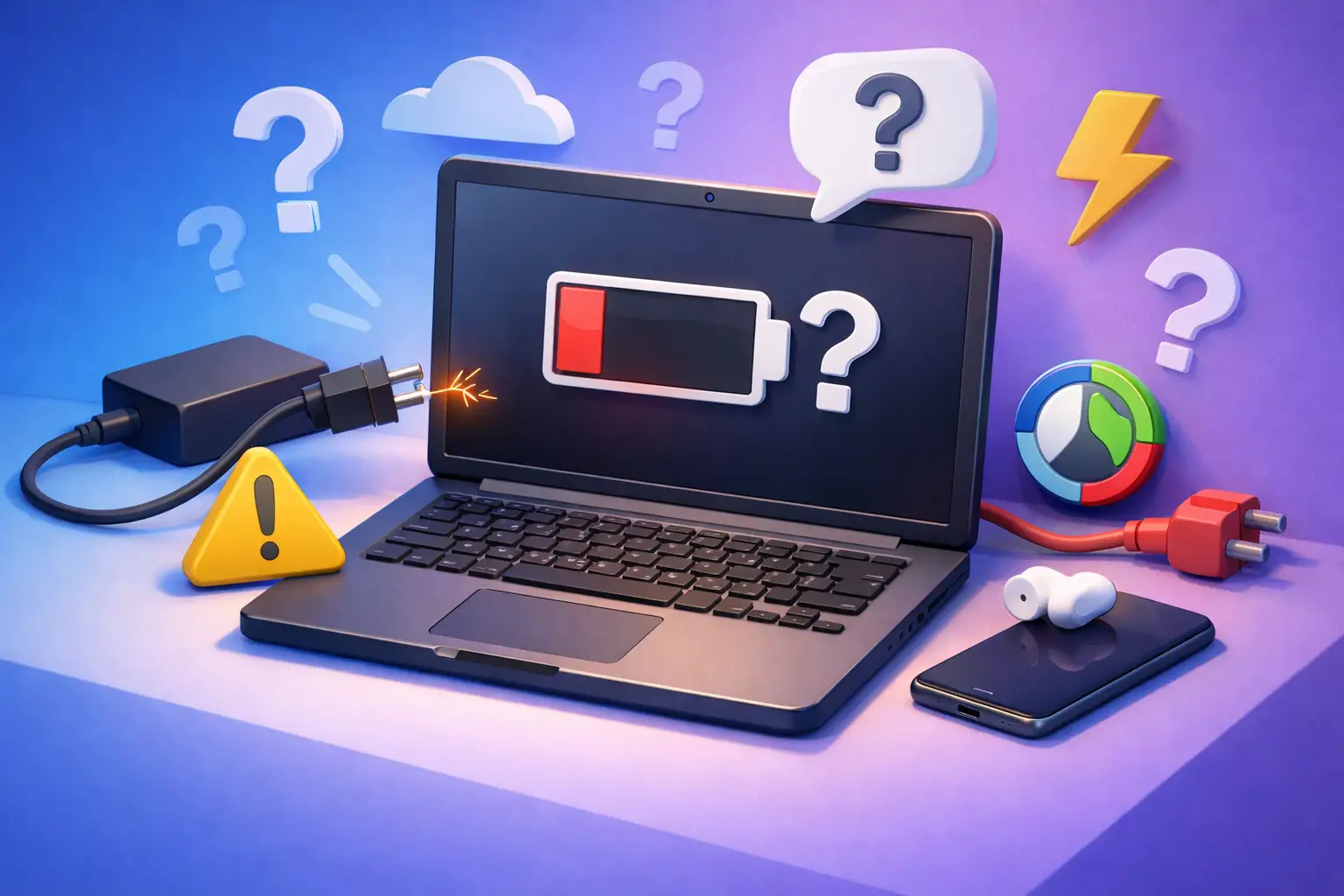
Your battery is at 3%, you plug in the charger, and nothing happens. If you’re asking, why won’t my laptop charge, the problem usually comes down to one of a few things: the charger, the battery, the charging port, or the laptop’s internal power system.
The good news is that some charging issues are simple. The less-good news is that guessing can waste time, and on a workday or school deadline, time matters. Here’s how to narrow it down quickly without making the problem worse.
Why won’t my laptop charge when it’s plugged in?
Start with the basic question: is the laptop getting power at all, or is it just not charging the battery?
That difference matters. If the laptop runs fine when plugged in but the battery percentage stays flat or drops, the charger may be providing some power but not enough to charge. It could also mean the battery is worn out, the charging settings are limiting full charging, or the system is failing to recognize the battery correctly.
If the laptop will not power on even when connected to the charger, the issue is often more direct. Think bad power adapter, damaged cable, loose charging port, failed battery, or motherboard-level power trouble.
A quick clue is the charging light. If your laptop normally shows a small LED near the port and that light is off, flickering, or changing colors unexpectedly, that points to either inconsistent power delivery or a hardware fault.
Check the outlet, charger, and cable first
This sounds obvious, but it solves more cases than people expect. Wall outlets fail, surge protectors go bad, and power bricks wear out slowly enough that the problem is easy to miss.
Plug something else into the same outlet. If you are using a power strip, bypass it and go straight to the wall. Then inspect the charger from end to end. Look for fraying, bent connectors, burn marks, a loose USB-C tip, or a power brick that gets unusually hot.
Wiggle the cable gently near the ends. If the charging light cuts in and out, the cord may be internally broken. That is common with older chargers and with cables that have been wrapped tightly or pinched under furniture.
If your laptop charges through USB-C, the problem can be even more specific. Not every USB-C charger is strong enough for every laptop. A phone charger may fit the port but still fail to charge the computer, or it may charge only while the laptop is sleeping. Wattage matters.
The battery may be the real problem
Laptop batteries do not last forever. Over time, they hold less charge, charge more slowly, or stop accepting a charge at all.
If your laptop is a few years old and the battery percentage jumps around, shuts down unexpectedly, or stays stuck at the same number, battery wear is high on the list. In some cases, the laptop detects the battery but labels it as plugged in, not charging. That can happen when the battery is near the end of its life or when battery management software is limiting charging to protect battery health.
Some brands also have battery preservation settings that stop charging at 60% or 80% on purpose. That is common on business laptops. It is helpful for long-term battery life, but confusing if you do not know the setting is enabled.
If the battery is removable, you can sometimes test the laptop with the battery out and the charger connected. If it powers on reliably that way, the battery is a strong suspect. If the battery is internal, it is still testable, but opening the system is usually not worth it unless you are comfortable working inside electronics.
Why won’t my laptop charge after the port feels loose?
A loose charging port is one of the most common hardware causes, especially on laptops that travel a lot. Daily plugging and unplugging puts stress on the jack. Over time, the port can separate from its mount, wear out internally, or collect enough dust and debris to interrupt the connection.
Look into the charging port with a flashlight. If you see lint, dust, or a bent center pin, stop there. Do not force the connector or jam anything metal into the port. A damaged port can short out or break further.
If the charger only works when held at a certain angle, that is usually not a charger problem anymore. That points to port damage or a broken solder joint inside the laptop. At that stage, the fix is a hardware repair, not a software reset.
USB-C charging ports can be especially tricky because they are used for more than charging. A port may still transfer data or connect accessories while failing to charge consistently. That makes the issue look random when it is not.
Software and firmware can interfere with charging
Not every charging issue is physical. Sometimes the laptop and battery are fine, but the system managing power is not behaving normally.
A driver glitch, BIOS issue, failed update, or power management error can stop proper charging detection. This is more likely if the problem started right after an update, a battery warning, or a sudden shutdown.
A full shutdown can help. Not sleep, not restart – a real shutdown. Disconnect the charger, power the laptop off, wait a minute, reconnect the charger, and start it again. On some models, a power reset also helps. That usually means holding the power button down for 15 to 30 seconds with the charger disconnected.
If the laptop turns on, check whether the battery icon says plugged in, charging, plugged in, not charging, or no battery detected. Those messages can help narrow the cause. Device Manager on Windows can sometimes be used to remove and refresh battery-related drivers, but if you are already low on time, this is the point where professional diagnosis starts saving you frustration.
Heat and performance can affect charging speed
Sometimes the laptop is charging, just not fast enough to keep up. This happens when the system is under heavy load, running hot, or using a low-wattage charger.
For example, a laptop doing video editing, gaming, large downloads, or multiple business tasks at once may drain power faster than a weak charger can replace it. The battery percentage drops even though it is plugged in. That feels like no charging, but the real issue is insufficient power.
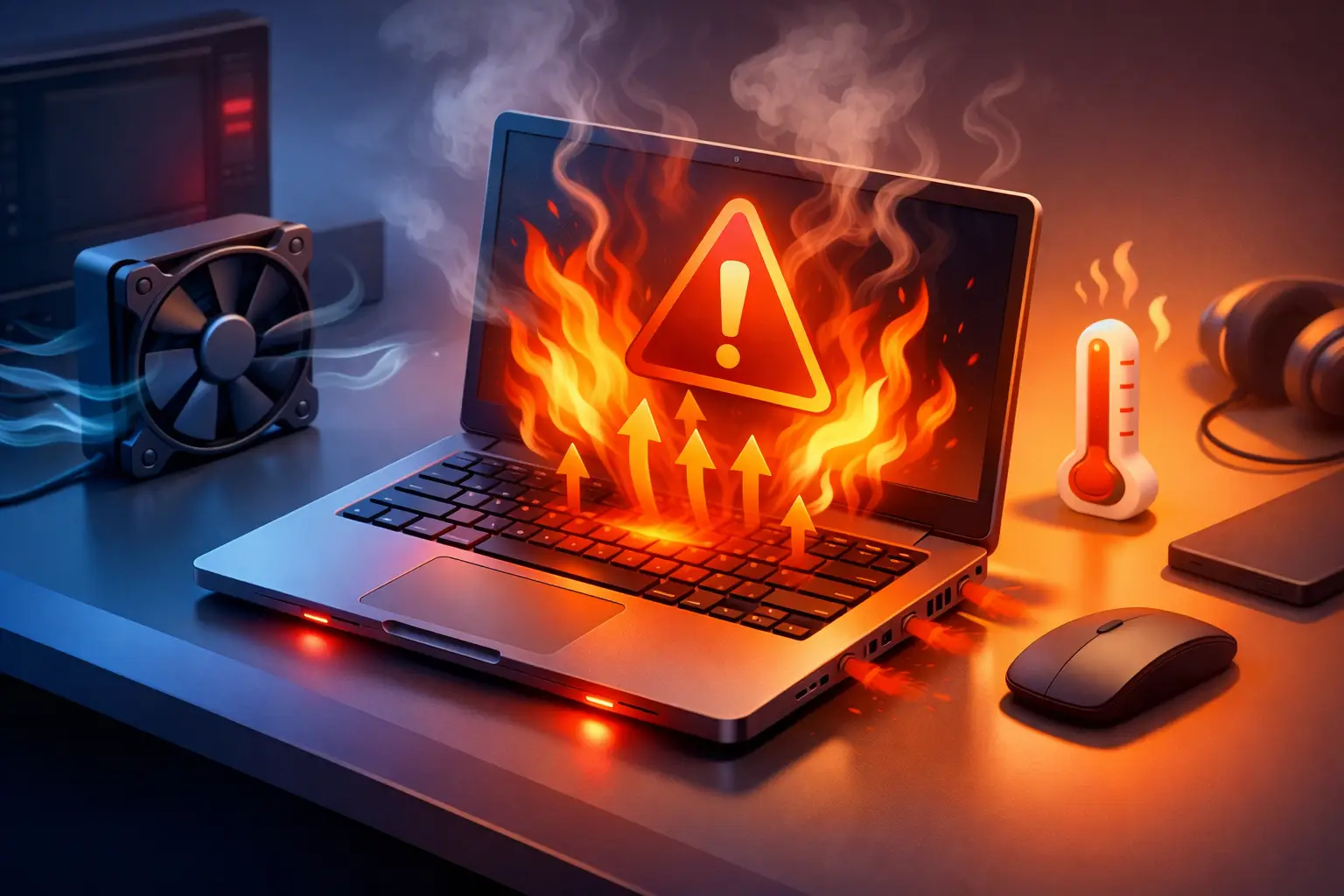
Heat adds another layer. Batteries and charging circuits slow down or pause charging when temperatures get too high. If your fans are loud, the bottom of the laptop is hot, and charging is inconsistent, the system may be protecting itself.
In that case, let the laptop cool down, close demanding apps, and test again with the correct charger. If it only charges when idle, there may be a cooling issue, charger mismatch, or failing battery behind it.
When not to keep testing it yourself
A little troubleshooting is useful. Too much can turn a repairable issue into a bigger one.
Stop and get help if the charger smells burnt, the battery is swelling, the port sparks, the laptop gets abnormally hot near the charging area, or the machine only powers on sporadically. Those are not wait-and-see problems.
The same goes for business laptops that support your workday. If a charging problem is already interrupting meetings, remote access, billing, or school deadlines, it often makes more sense to get a proper diagnosis than spend hours trying random fixes.
At Don’t Panic! Computer Repair, this is exactly the kind of problem that benefits from fast troubleshooting. A charging issue can be as simple as a bad adapter or as involved as board-level repair, and the right answer depends on testing the full power path, not just swapping parts and hoping.
What a technician usually checks
A professional laptop charging diagnosis usually starts with the adapter output, battery condition, and port stability. After that, the internal charging circuit, DC-in jack or USB-C board, and motherboard power rails may need to be checked.
That sounds technical, but the point is simple: charging problems are not all the same. Two laptops can show the same dead battery icon and need completely different repairs. One may need a replacement charger. Another may need a battery. Another may have a damaged port or a failed internal component.
That is why clear testing matters more than guesswork, especially if you are trying to avoid paying for parts you do not actually need.
The fastest way to answer why won’t my laptop charge
If you want the short version, test the outlet, inspect the charger, confirm you are using the right wattage, look for port damage, and check whether the laptop runs on AC power alone. If those steps do not give you a clear answer, the next step is diagnosis, not more experimenting.
Laptop charging problems can be simple, but they are not always small. The sooner you identify whether the issue is the charger, battery, port, or internal power system, the sooner you can get back to using your computer instead of babysitting it at 2% battery.