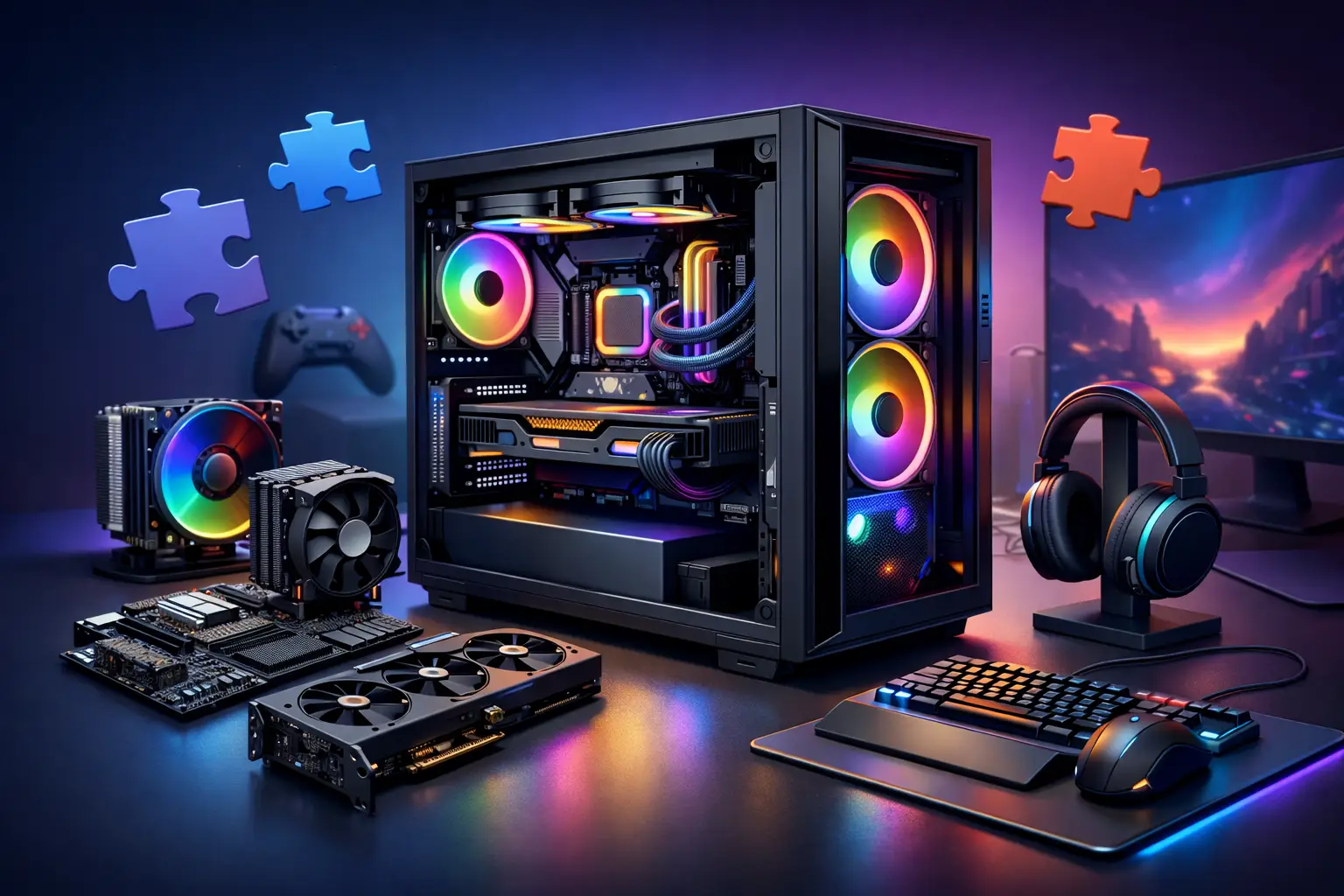
A custom gaming PC build makes the most sense when you are tired of paying for parts you do not need – or missing the ones you do. If you play competitive shooters, stream on the side, or want a machine that handles school, work, and games without slowing down, the right build should fit your actual habits, not a generic spec sheet.
Prebuilt systems can be fine, but they often hide compromises in the power supply, cooling, motherboard, or upgrade options. That is where people get frustrated. On paper, the system looks fast. A few months later, it runs hot, gets loud, or leaves no room for the next graphics card.
Why a custom gaming PC build is usually the better value
The biggest advantage of a custom system is control. You decide where performance matters most and where it does not. For one person, that means pushing frame rates at 1080p on a high refresh monitor. For someone else, it means smooth 1440p gaming, better airflow, and enough memory for editing video after hours.
That flexibility matters because gaming hardware is never one-size-fits-all. A student in Salt Lake City who mostly plays Fortnite, Valorant, and Rocket League does not need the same machine as someone running Cyberpunk 2077, Microsoft Flight Simulator, or a racing setup with multiple displays. When the parts are chosen around your real use, you usually avoid overspending and get a system that feels better day to day.
There is also the upgrade factor. A good custom build can be planned with future changes in mind. That might mean a stronger power supply now so you can install a better GPU later, or a motherboard with enough expansion and storage support to grow with you. Small decisions at the start can save money later.
What actually matters in a custom gaming PC build
A lot of buyers start with the graphics card, and that is not wrong. For gaming, the GPU usually has the biggest effect on visual quality and frame rate. But it should never be picked in isolation. A strong graphics card paired with weak cooling, too little memory, or a low-quality power supply can turn a good system into a headache.
CPU and GPU balance
This is where many builds go off track. If you mainly play esports titles at lower settings for maximum frame rate, the processor matters more than people think. If you want higher resolutions and visual detail, the graphics card becomes the bigger priority. The right balance depends on the games you play, the monitor you use, and whether you also stream, record, or edit content.
Cooling and airflow
Cooling is not the flashy part of a build, but it affects reliability, noise, and long-term performance. A system with poor airflow may benchmark well for a few minutes and then throttle under longer gaming sessions. Good case airflow, sensible fan placement, and the right cooler keep temperatures under control without turning your room into a wind tunnel.
Liquid cooling can look great and perform well, but it is not automatically the best choice. For many gamers, a quality air cooler is quieter, simpler, and easier to maintain. It depends on the processor, the case, and whether appearance is part of the goal.
RAM and storage
For most modern gaming systems, memory and storage need to be practical, not excessive. Too little RAM can cause stuttering and slow multitasking. Too much can waste budget that should have gone toward the GPU or monitor. Fast solid-state storage makes a real difference in load times and general responsiveness, but not every user needs the most expensive drive available.
Power supply quality
This is the part people tend to ignore until something goes wrong. A cheap power supply can create instability, limit future upgrades, or fail early. A good one gives the system cleaner power, better reliability, and more confidence if you upgrade later. It is not the place to cut corners.
The most common mistakes people make
The biggest mistake is shopping by headline specs alone. It is easy to focus on the processor name or graphics card model and miss the rest of the system. Some builds look impressive in ads but cut costs with weak cooling, bargain motherboards, or cases with poor ventilation.
Another common issue is building around trends instead of use. Not everyone needs RGB-heavy components, oversized liquid cooling, or the latest high-end chip. Those features can be great when they serve a purpose, but they can also eat up budget without improving your experience.
People also underestimate compatibility. Case size, cooler clearance, motherboard fit, memory support, and power requirements all need to work together. A custom build should feel intentional, not patched together.
How to choose the right build for your budget
The best budget is the one that matches your goals. If you mainly want smooth 1080p gaming, your money should go toward parts that support that target well instead of chasing premium hardware you will never fully use. If you want strong 1440p performance, streaming capability, and room to grow, the budget naturally shifts.
A smart build starts with your monitor and game library. That gives you a realistic performance target. From there, the parts should support that target with some breathing room, not max out the budget on one component while compromising the rest.
There is always a trade-off. Spending more can absolutely improve performance, but only up to a point. Past that, the gains get smaller and the price jumps fast. For many gamers, the sweet spot is not the most expensive machine. It is the one that feels fast, stays cool, and remains upgrade-friendly for the next few years.
Custom vs prebuilt: when each one makes sense
A prebuilt can make sense if you need a machine immediately and the component quality is solid across the board. The problem is that many are built to sell a headline, not to deliver a balanced ownership experience. You may get a good GPU, but weaker supporting hardware that creates issues later.
A custom build is the better choice when you want control, transparency, and a system designed around your actual use. It also makes more sense if you care about future upgrades or want to avoid the trial-and-error of mixing parts yourself.
For a lot of people, the real value is peace of mind. You do not have to guess whether the power supply is enough, whether the cooler will fit, or whether the motherboard limits your options. The system is planned correctly from the start.
Why professional help can save money on a custom gaming PC build
Building a PC is more accessible than it used to be, but that does not mean every build goes smoothly. Compatibility mistakes, BIOS issues, unstable memory settings, cooling problems, and cable management shortcuts can all affect how the machine performs over time.
Professional build help is not just about assembly. It is about matching parts, avoiding bad combinations, and making sure the finished system is tested and stable. That matters if you want your investment to work right the first time.
For local customers, this is where a service-driven approach makes a difference. Instead of sorting through dozens of conflicting opinions online, you can get practical advice based on budget, performance goals, and how you actually use the computer. That is often the difference between a build that only looks good on paper and one that feels right every day.
At Don’t Panic! Computer Repair, custom systems are approached the same way repairs are handled – clearly, practically, and without making the process harder than it needs to be. If you know what games you play, what monitor you use, and what budget feels comfortable, that is enough to start.
What to expect from a well-planned gaming PC
A good gaming PC should feel consistent. Games launch quickly, frame rates stay stable, and the system does not sound strained every time you load into a match. You should also know what your upgrade path looks like. That way, when it is time for a better GPU or more storage, you are improving a solid foundation instead of replacing everything.
That is really the point of going custom. Not to chase bragging rights, but to get a machine that fits your games, your budget, and your day-to-day life. If the build is planned well, you spend less time worrying about parts and more time actually enjoying the system.