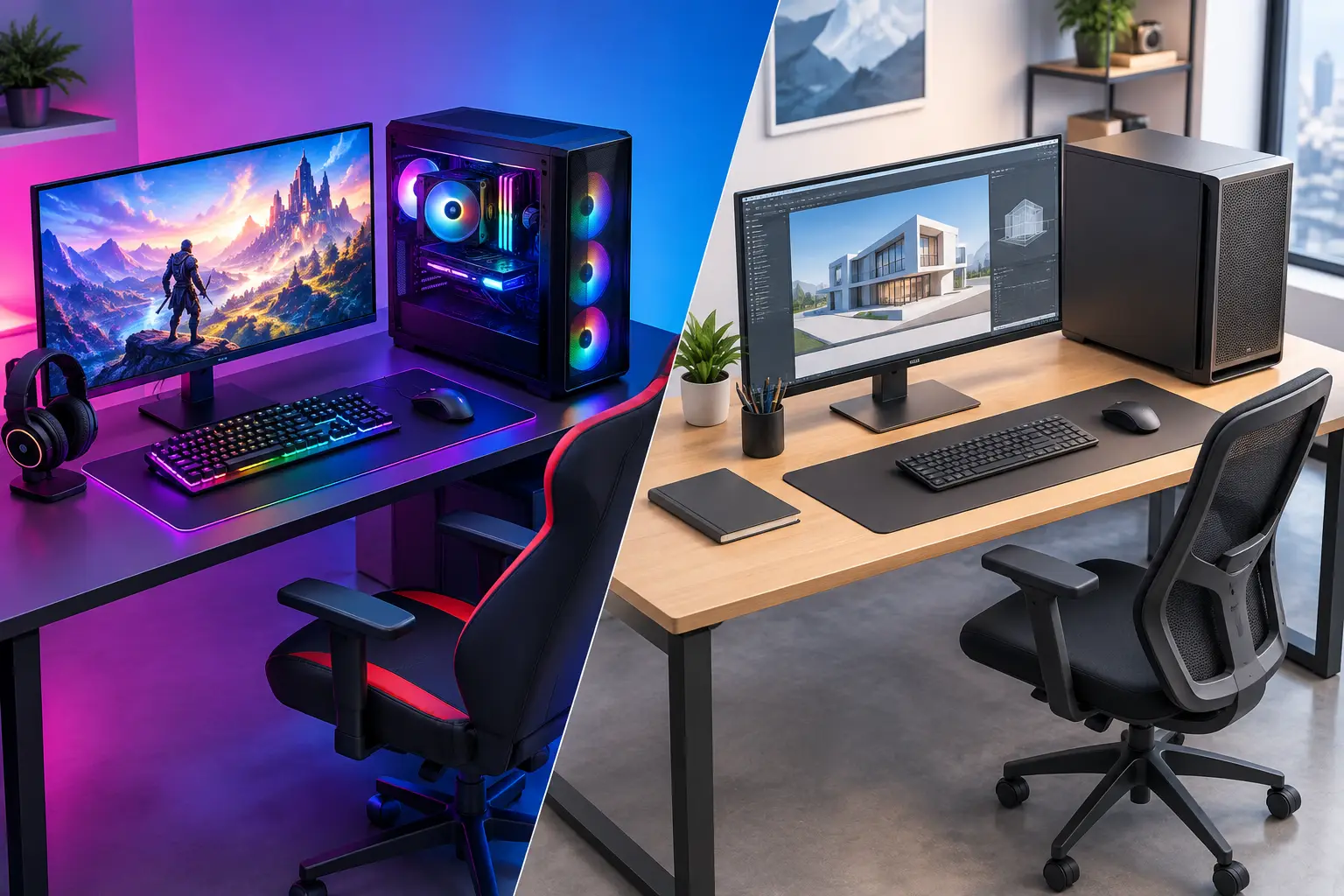
A computer can look powerful on paper and still feel wrong the moment you start using it. A gaming PC versus workstation build is not simply a choice between fun and work. It is a choice about which applications need the most speed, what kind of downtime you can tolerate, and where your budget will make the biggest difference.
For a Salt Lake City homeowner, remote worker, student, or small business, the right answer depends on the job the computer must do every day. A gaming system can be an excellent productivity machine. A workstation can handle games better than many people expect. But buying the wrong combination of processor, graphics card, memory, and storage can leave you paying for performance you never use while the task that matters still runs slowly.
What Makes a PC a Gaming Build or a Workstation?
A gaming PC is designed to produce high frame rates and sharp visuals in games. Its budget often leans heavily toward a fast graphics card, a capable processor, quick memory, and cooling that can handle long gaming sessions. RGB lighting and glass cases are optional. The meaningful difference is that the component selection prioritizes game performance, usually at 1080p, 1440p, or 4K resolution.
A workstation is designed around professional workloads. That may mean editing large video projects, creating architectural models, rendering 3D scenes, compiling software, processing photos, analyzing large datasets, or running several business applications at once. Reliability, expandability, memory capacity, storage space, and software compatibility often matter more than maximum gaming frame rates.
The labels can be misleading. A basic office computer is not a workstation just because it is used for work, and a high-end gaming computer is not automatically the best choice for video production or CAD. The applications you rely on should drive the build.
Gaming PC Versus Workstation Build: The Parts That Matter
The most useful way to compare these systems is component by component. Each part has a different job, and the priorities change based on your workload.
Processor: Fast Cores or More Cores?
Games often benefit most from strong single-core speed. Many current processors are excellent at this, which helps a gaming PC stay responsive while delivering better frame rates. Some games also use additional cores well, especially strategy games, simulations, and heavily modded titles, but a balanced midrange-to-high-end CPU is usually enough for most players.
Workstation programs vary more. Video rendering, 3D modeling, virtual machines, code compilation, and scientific tasks can benefit from more CPU cores. If your business runs several virtual environments or your creative work involves long rendering jobs, paying for a processor with additional cores may save real time every week.
There is a trade-off. The most expensive multi-core processor is not always the best value for someone who spends eight hours in spreadsheets and one hour editing a short video. In that situation, fast storage, sufficient memory, and a reliable backup plan may improve the experience more than extra CPU cores.
Graphics Card: The Biggest Difference for Many Buyers
For gaming, the graphics card is often the centerpiece of the build. It determines much of what you can expect at your monitor’s resolution and refresh rate. A powerful GPU makes sense when you play demanding new games, use a 1440p or 4K display, want high refresh rates, or care about ray-traced graphics.
For a workstation, the GPU decision depends on the software. Video editors, 3D artists, engineers, and designers may benefit greatly from a graphics card with more video memory and certified drivers. Certain professional applications are built to use workstation-class graphics hardware, while others perform very well on consumer gaming GPUs.
Do not assume a professional-looking graphics card is always required. For many photo editing, office, web development, and general business tasks, it is not. On the other hand, buying a gaming GPU without checking the requirements of a CAD, rendering, or AI application can cause avoidable compatibility or performance issues.
Memory and Storage: Where Workstations Pull Ahead
Sixteen gigabytes of memory can still work for a straightforward gaming build, though 32GB is increasingly the more comfortable target for a new system. It gives games, browsers, voice chat, background apps, and occasional creative work more room to run without constantly competing for memory.
Workstations frequently need 32GB, 64GB, or more. Large Photoshop files, high-resolution video timelines, virtual machines, engineering projects, and multiple open applications can use memory quickly. When a system runs short on RAM, it falls back on storage, and even a fast SSD cannot make that feel as responsive as having enough memory installed.
Storage should also match the task. A gamer may be well served by a fast 1TB or 2TB SSD for Windows and a game library. A workstation may need separate drives: one for the operating system and applications, another for active project files, and additional protected storage for archived work. For a small business, the cost of losing client files is far greater than the cost of planning storage correctly from the start.
Cooling, Power, and Reliability
Both systems need quality cooling and a power supply sized for the installed components. A gaming computer may prioritize airflow to keep high-performance graphics hardware cool during long sessions. A workstation may place more emphasis on stable operation under sustained CPU or GPU loads, quieter fans in an office, and room for future drives or expansion cards.
This is not the place to cut corners. A low-quality power supply, cramped case, or inadequate cooler can turn a good parts list into random shutdowns, noise, heat problems, and shortened component life. A clean, properly assembled build also makes future troubleshooting much easier.
Choose Based on What You Actually Do
A gaming-focused build is usually the better fit if gaming is the main reason for the purchase and your work consists of normal office tasks, schoolwork, browsing, meetings, and light content creation. It will be quick for everyday use and can still handle many productivity programs well.
A workstation-focused build makes more sense if the computer earns its keep through demanding professional software. A business owner working with large files, a video editor with recurring client deadlines, a designer using specialized applications, or a developer running virtual machines should prioritize the hardware those tasks use most.
A hybrid build is often the practical answer. Many remote workers want a computer that can run professional applications all day and play games at night. In that case, start with the work requirement that cannot be compromised, then select a graphics card and monitor that meet gaming expectations. A hybrid system may not be the absolute best at either extreme, but it can be the best value for one person.
Budget for the Whole Setup, Not Just the Tower
The tower is only part of the purchase. A gaming system paired with a basic monitor may waste the potential of its graphics card. A workstation with a poor monitor can make color-sensitive design work frustrating. Keyboards, mice, webcams, backup drives, surge protection, networking, and software licenses also affect how well the system serves you.
For business use, plan for downtime as well. If a workstation fails, can you keep working from another device? Are project files backed up? Is the machine easy to service and upgrade? A slightly more practical case and a well-organized internal layout can be worth more than cosmetic extras when a repair or upgrade is needed quickly.
Common Questions Before Ordering a Custom Build
Can a gaming PC be used as a workstation?
Yes. Many gaming PCs handle office work, photo editing, programming, and moderate video editing very well. The question is whether the specific applications need extra memory, professional GPU drivers, more storage, or a higher-core-count processor.
Can a workstation play games?
Yes, if it has a suitable graphics card. Some workstation builds are very capable gaming machines. However, the money spent on professional graphics features may not provide the same gaming value as a consumer gaming GPU.
Is a prebuilt computer always cheaper?
Not always. Prebuilt systems can be convenient, but some use proprietary parts, limited power supplies, or cases that make upgrades harder. A custom build can be selected around your actual needs and leave room to grow. The best value depends on the components, warranty, and serviceability, not just the sticker price.
Before you spend money, make a short list of the programs you use, the files you work with, the monitor you own or want, and the games you expect to play. If those choices feel unclear, Don’t Panic! Computer Repair can help assess the workload and build a computer that fits it, without making the decision more complicated than it needs to be.