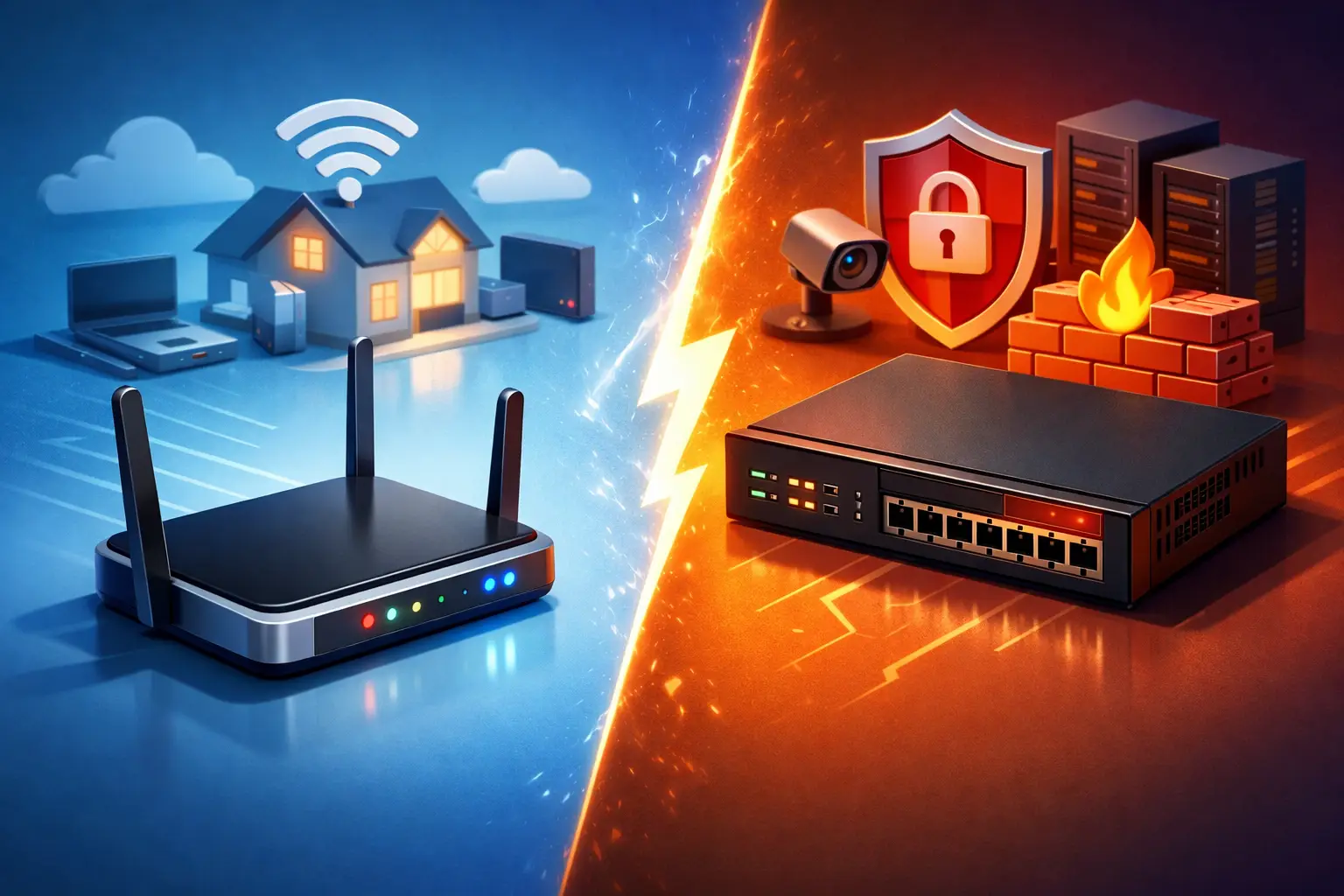
That internet box on a shelf can look fine right up until the Wi-Fi drops during a meeting, a payment system goes offline, or random devices start showing up on the network. When people ask about consumer router vs business firewall, they are usually really asking a bigger question: what level of protection and control do I actually need?
For a home user, a basic router may be enough. For a business, even a small one, that answer changes fast. The more devices, users, cloud apps, remote access, and shared files you add, the more a cheap all-in-one router starts to show its limits.
Consumer router vs business firewall: what is the real difference?
A consumer router is built for convenience. It gets your internet working, broadcasts Wi-Fi, and handles basic traffic for a house or apartment. It is meant to be easy to install, inexpensive to replace, and simple enough that most people never touch the settings after day one.
A business firewall is built for control and security. It does route traffic, but that is only part of the job. It can inspect connections in more detail, separate users or devices into different networks, apply rules by device or service, support secure remote access, and give you much better visibility into what is happening on the network.
That difference matters because many small businesses still rely on gear designed for streaming TV, gaming, and casual web browsing. It may work for a while, but it was not designed around company data, staff access, guest Wi-Fi, printers, file shares, cameras, and compliance concerns.
Why a consumer router is often fine at home
For many households, a consumer router is the practical choice. If you have a few laptops, phones, a smart TV, and some streaming devices, a good home router can handle that without much trouble. It is affordable, usually includes Wi-Fi, and does not require much maintenance.
It also makes sense for people who want a simple setup. If your biggest concern is whether Netflix buffers or whether the bedroom gets decent signal, a business firewall can feel like overkill. Most homeowners do not need advanced traffic rules or detailed security policies.
That said, home setups are changing. Remote workers often have company laptops, smart home devices, cloud backups, video calls, and maybe even a home office with a printer and NAS. Once your home network starts acting more like a workplace, the line gets blurry.
Where consumer routers start to fall short
The biggest issue is not that consumer routers are useless. It is that they tend to be limited where businesses need consistency.
First, security is usually basic. Most consumer models include standard firewall features, but they are not built to give you much insight or fine-grained control. If a device is behaving oddly, or if you want to restrict certain traffic, the options can be pretty limited.
Second, they often struggle in busy environments. A small office with ten to twenty active devices, cloud phone systems, security cameras, remote desktop sessions, and constant file syncing puts a very different load on a network than a family watching movies at night.
Third, management can be frustrating. Many home routers rely on simplified phone apps with limited settings. That is great when you want to rename the Wi-Fi. It is less great when you need VLANs, VPN access, traffic logs, content filtering, or a reliable guest network that stays isolated from office systems.
Finally, support and reliability tend to be weaker. Consumer hardware is often treated as disposable. Firmware updates can be inconsistent, warranty support may be limited, and failures usually mean downtime while someone runs to buy a replacement.
What a business firewall gives you
A business firewall is not just about blocking bad traffic. It gives you a way to organize and protect the network so problems are easier to prevent and easier to solve.
One major benefit is segmentation. That means you can keep office computers separate from guest Wi-Fi, security cameras, point-of-sale devices, or employee personal phones. If one part of the network has a problem, it does not automatically expose everything else.
Another benefit is stronger policy control. You can decide who gets access to what, when, and from where. That matters for remote workers, shared folders, line-of-business apps, and any environment where not every device should see every resource.
Business firewalls also tend to offer better monitoring. If the internet slows down, you can see whether backups are saturating the connection, whether a device is consuming unusual bandwidth, or whether outside traffic is repeatedly hitting the network. That saves time when tracking down problems.
For many small companies, the biggest practical win is stability. Business-grade equipment is designed for longer uptime, more predictable updates, and environments where losing internet access for half a day is not just annoying – it costs money.
Security is only part of the story
People often hear “firewall” and think only about hackers. Security matters, but the day-to-day value is often operational.
A business firewall can help make VoIP calls more reliable, improve performance for remote users, keep guest devices from touching company systems, and support secure VPN access when staff work from home. It can also simplify future growth. If you add new employees, cameras, access points, or cloud tools, the network has room to grow without becoming a patchwork of workarounds.
That is why the consumer router vs business firewall decision should not be based on fear. It should be based on how much your internet connection and local network affect your workday.
When a small business should upgrade
If you are a solo professional working from one laptop and one printer, a quality consumer router may still be enough for now. The same can be true for a very small office with minimal traffic and no sensitive client data.
But once you have multiple employees, shared files, cloud phones, remote access needs, or any need to separate staff and guest traffic, a business firewall becomes much easier to justify. If downtime is expensive, if you handle customer information, or if you have had recurring network issues, upgrading is usually the smarter move.
The same goes for businesses using a lot of connected equipment. Offices with cameras, smart TVs, conference room devices, POS systems, and wireless printers can outgrow home networking gear quickly. The network may still technically work, but not in a way that feels dependable.
What about cost?
This is where many owners hesitate, and fairly so. A consumer router costs less upfront. A business firewall usually costs more to buy and may involve setup, licensing, and ongoing management depending on the model.
But the cheaper option is not always the less expensive one. If a weak network causes dropped calls, failed transactions, slow remote access, staff downtime, or repeat troubleshooting, that cost shows up elsewhere. Small businesses often spend more in lost time than they would have spent on proper equipment.
The right comparison is not just purchase price. It is total disruption versus total stability.
The best choice depends on the environment
There is no honest one-size-fits-all answer here. Some homes need more than a basic router. Some tiny offices can get by with less than a full firewall setup for a while. It depends on device count, security needs, remote access, building layout, budget, and how critical the network is to daily work.
In many cases, the right setup is not either-or in the way people think. A business firewall may handle security and traffic policies, while separate access points handle Wi-Fi better than an all-in-one box ever could. That kind of setup is often more reliable and easier to scale.
If you are not sure what your network actually needs, that usually means it is time for a real assessment instead of another guess from the electronics aisle.
How to decide without overbuying
Start with a few practical questions. Are outages hurting productivity? Do you need secure remote access? Do you have staff devices, guest devices, and business equipment all mixed together? Do you need better visibility when something slows down? If the answer is yes to even a couple of those, a business firewall is worth a serious look.
At Don’t Panic! Computer Repair, this is usually the point where a quick onsite evaluation saves people money. Instead of replacing random hardware and hoping for the best, it makes more sense to look at the actual network, the number of users, and the business risks involved.
A home router is built to get online. A business firewall is built to keep work moving. If your network has become part of how you earn a living, that difference is not technical trivia – it is the line between getting by and staying ahead of the next problem.