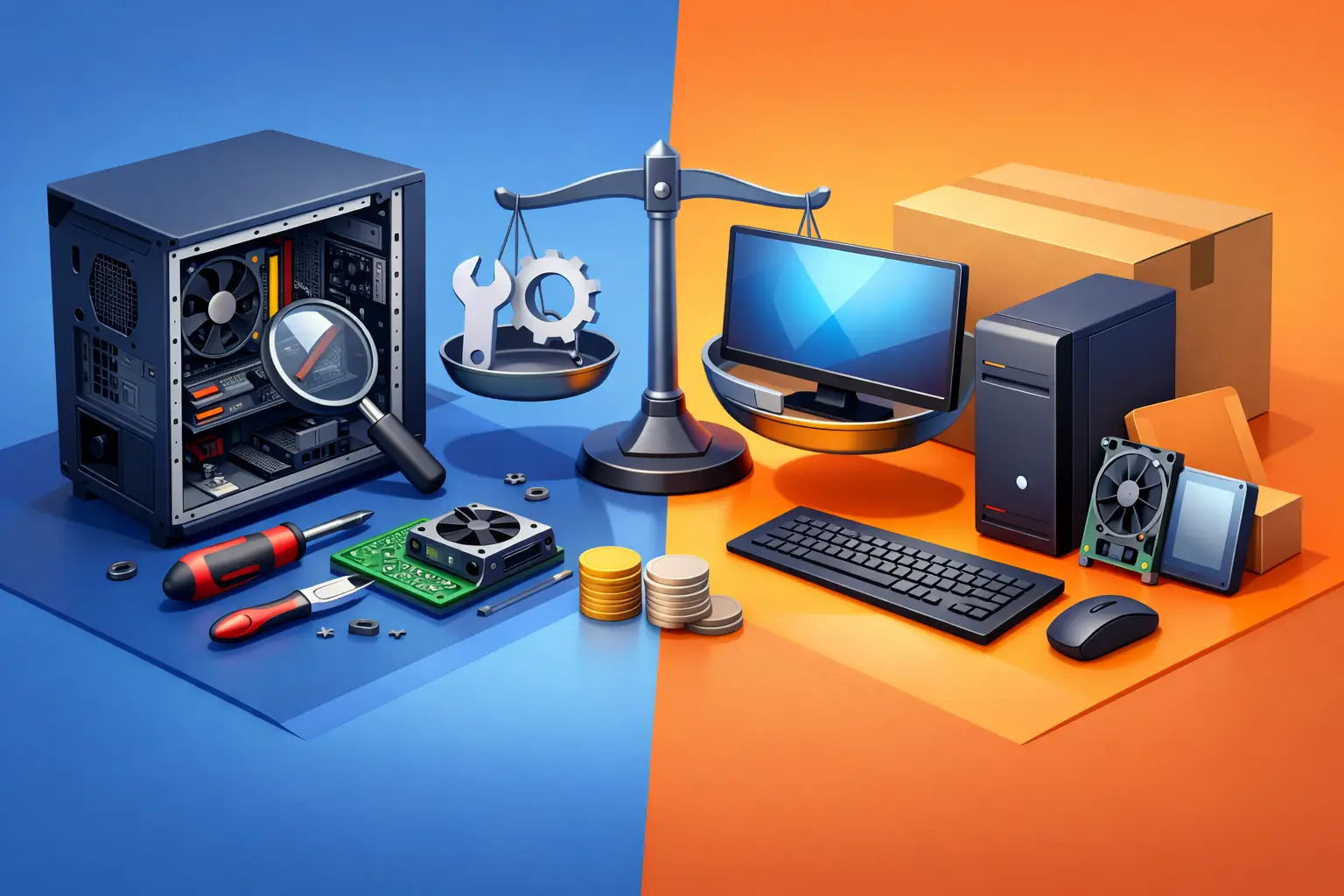
A desktop that suddenly will not start can make replacement feel like the fastest answer. But desktop repair versus replacement costs are rarely as simple as the price of a new computer versus one repair bill. The right choice depends on what failed, how old the system is, what you use it for, and how much downtime is costing you.
For many Salt Lake City homeowners, remote workers, and small businesses, a repair restores years of useful life for far less than the cost of a comparable new system. In other cases, putting money into an aging desktop only delays an upgrade you already need. A clear diagnosis should come before either decision.
Start With the Actual Problem, Not the Symptom
A slow computer does not automatically need to be replaced. Slow performance can come from a full storage drive, too little memory, unwanted software, overheating, a failing hard drive, or a Windows issue. Each has a very different repair cost and a very different effect on the computer’s remaining lifespan.
Likewise, a desktop that will not power on may have a failed power supply, a bad outlet, a loose connection, or a motherboard problem. A power supply is usually a straightforward component replacement. A motherboard failure can be more involved, particularly when the system is older and compatible parts are harder to find.
That is why free diagnostics matter. Before buying a new desktop or approving a repair, find out what is actually wrong, what it will take to fix it, and whether another major component is likely to fail soon. A good technician should explain this in plain language rather than pushing a repair or a replacement by default.
Desktop Repair Versus Replacement Costs: The Main Tipping Point
A practical rule is to compare the total repair estimate with the cost of a new desktop that genuinely meets your needs. If a repair costs a modest portion of a suitable replacement and the system will remain reliable afterward, repair is often the sensible choice.
If the repair approaches half the cost of a new computer, the decision deserves a closer look. This is not a hard rule. A high-end workstation, custom gaming PC, or business desktop with specialized software may be worth repairing even when the bill is higher. Replacing it with an equivalent system could cost much more than a basic off-the-shelf PC.
On the other hand, a low-cost desktop that needs a motherboard, processor, memory, and storage upgrade may not be a smart investment. Multiple aging components can turn a single problem into a cycle of additional repairs.
Consider these questions before deciding:
- Is the repair limited to one common, replaceable part?
- Will the repaired desktop meet your work, school, gaming, or business needs for at least another year or two?
- Is the operating system still supported and secure?
- Are parts readily available, or will compatibility create extra labor and cost?
- Would a replacement require software setup, file transfers, peripherals, and employee downtime?
The purchase price is only one part of the comparison. A new computer also needs to be configured, updated, connected to printers and networks, and loaded with the software and files you rely on.
Repairs That Usually Make Financial Sense
Many desktop problems are affordable to correct and do not mean the computer is at the end of its life. Replacing a failing power supply, adding memory, installing a solid-state drive, removing malware, repairing Windows, or replacing a cooling fan can make a major difference without requiring a new machine.
A hard drive upgrade is a common example. If an older desktop still uses a mechanical hard drive, moving to a solid-state drive can dramatically improve startup and application speed. When the processor and memory are still adequate, that upgrade can make a familiar computer feel useful again.
Memory upgrades can also be worthwhile for systems that freeze or bog down while running video calls, browser tabs, office applications, or accounting software. The key is making sure the desktop supports the needed memory and that the processor is not already the real bottleneck.
Virus removal and operating system troubleshooting are usually repair decisions, not replacement decisions. A new computer can become slow or infected, too, if the underlying issue is software, unsafe downloads, weak passwords, or missing updates. Fixing the problem and setting up better protection is more valuable than simply starting over.
At Don’t Panic! Computer Repair, diagnostics can help separate a sensible repair from a money pit before you commit. Transparent hourly billing at $80 per hour makes it easier to understand labor costs alongside any required parts.
When Replacement Is the Better Investment
Replacement becomes more attractive when a desktop cannot support current software, lacks security updates, or fails to keep up with the work you need done. This is especially true for computers used for business operations, remote work, design, video editing, engineering applications, or modern gaming.
An older machine may technically be repairable but still leave you with poor performance, limited storage, outdated ports, and no practical upgrade path. If it cannot run a supported operating system, that is a serious concern. Security risks and compatibility problems can cost more than the hardware itself, particularly for a business handling client information.
Repeated failures are another warning sign. One repair is normal. Two unrelated hardware failures in a short period may indicate a desktop reaching the end of its dependable life. If each repair means lost work time, waiting for parts, and another service visit, a replacement may be less expensive over the next year.
Replacement also makes sense if your needs have changed. A desktop purchased for email and basic documents may not be suitable for a home office with multiple monitors, large spreadsheets, video meetings, local backups, and demanding applications. In that case, buying or building a system for your actual workload can prevent ongoing frustration.
Do Not Forget Data and Downtime Costs
A replacement computer is not ready the moment it comes out of the box. Files need to be transferred, software licenses may need to be located, email must be configured, printers reconnected, and security settings checked. For a small business, each workstation may also need access to shared folders, line-of-business applications, network resources, and backup systems.
That setup time has value. If a repair gets a reliable desktop back in service the same day, it may be the lower-cost option even if a new computer is affordable. This matters for remote workers who cannot miss a deadline and businesses that cannot leave an employee without access to critical systems.
Data is equally important. A failing drive can become a data recovery situation if it is ignored. Whether you repair or replace, make protecting files the first priority. Back up important documents, photos, financial records, and business data before a failing desktop gets worse.
A Better Way to Make the Decision
Avoid deciding based on frustration alone. Start with a diagnosis, then ask for a realistic estimate that includes parts, labor, and any setup work. Compare it against a replacement that has enough memory, storage, processing power, and ports for your actual needs, not just the cheapest computer available.
For business owners, consider the broader environment as well. A desktop replacement may expose an older network issue, unsupported software, weak backup practices, or a firewall that needs attention. Sometimes the computer is only the visible part of a larger reliability problem.
If you choose repair, ask what the repair does and does not solve. A new power supply fixes a power issue, but it does not add speed to an underpowered computer. If you choose replacement, plan for professional setup so files, programs, email, printers, and security are handled correctly from the start.
The best answer is the one that gets you back to reliable work without spending money twice. A quick, honest diagnosis gives you the confidence to repair a desktop that still has good years ahead or replace one that is no longer worth asking to keep up.