A suspicious email arrives, someone clicks an attachment, and a computer suddenly starts acting strangely. Or a new device joins the office Wi-Fi and begins probing other systems. These are different problems, which is why firewall versus antivirus protection is not an either-or decision for most homes and small businesses. Each tool handles a different part of computer security.
The reassuring part is that you do not need to become a security expert to make smart choices. You need a clear setup, current software, and a plan for what to do when something does not look right. For most people, that starts with using both a firewall and antivirus protection, then keeping them properly configured.
What a Firewall Does
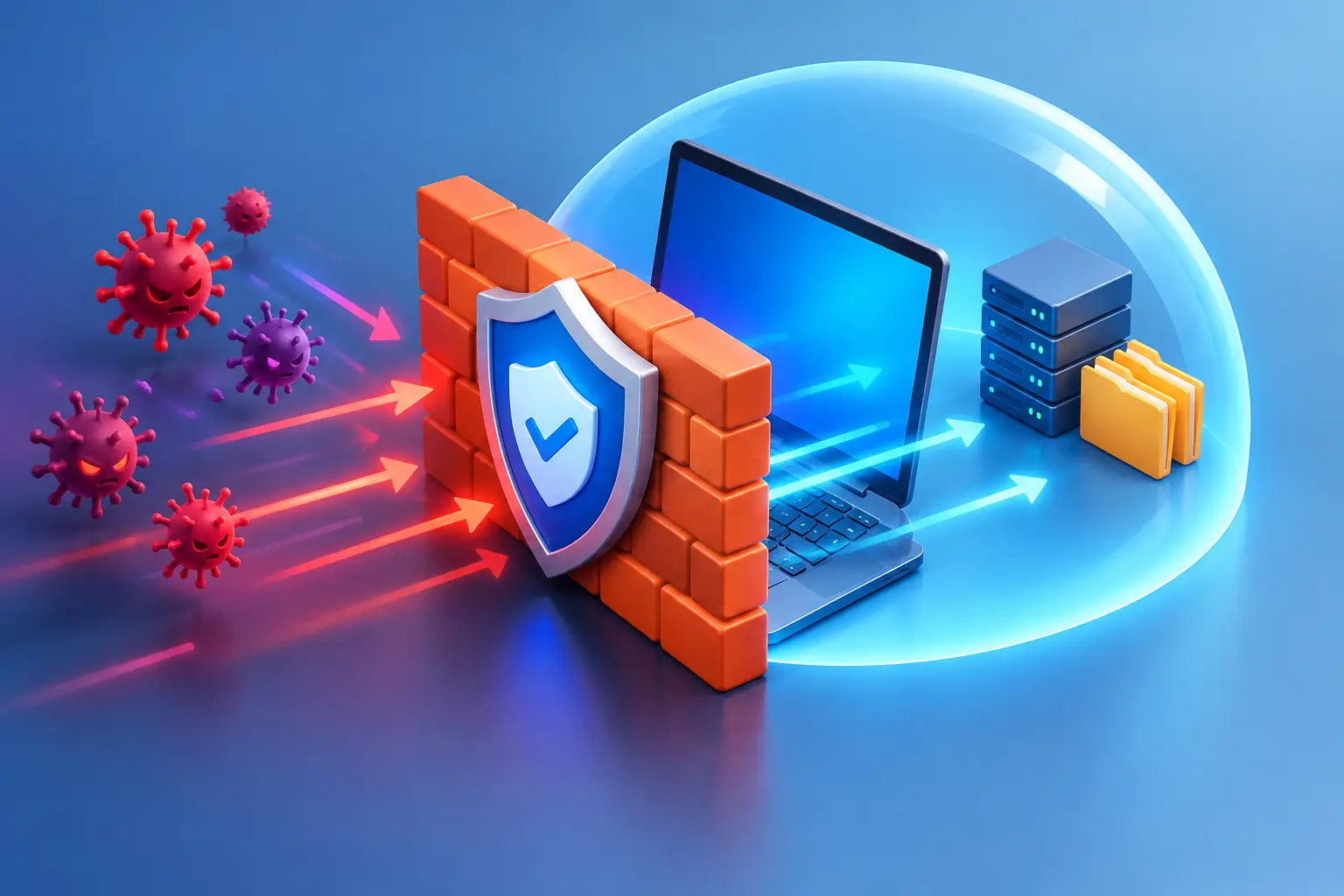
A firewall acts as a traffic checkpoint between your computer or network and the internet. It reviews incoming and outgoing connections and decides whether to allow, block, or question them based on security rules.
Think of it as the person at the door of a business. A firewall can stop unexpected visitors from walking in, limit who can access certain areas, and flag activity that does not match normal behavior. It does not inspect every file already sitting inside your building, but it helps control who and what gets through the door.
Most Windows and macOS computers include a built-in software firewall. For a single home computer, leaving that firewall enabled is a strong baseline. Many home internet routers also provide basic firewall features that help shield devices on the network from unsolicited traffic coming from the internet.
Small businesses often need more than basic router protection. A dedicated business firewall can separate guest Wi-Fi from employee devices, control remote access, filter unsafe web activity, monitor unusual traffic, and create rules for servers, workstations, and specialized equipment. The right setup depends on the number of users, the type of data handled, and whether employees work remotely.
What a Firewall Cannot Do Well
A firewall is not designed to remove a malicious program after it has been installed. If a user downloads a harmful attachment, approves a fake login page, or plugs in an infected USB drive, the firewall may not be enough to stop the damage.
It also cannot protect a device from every trusted-looking connection. For example, a phishing website can be accessed through a normal web browser connection. The traffic may look allowed at the network level, while the page itself is still trying to steal passwords or payment information.
What Antivirus Protection Does
Antivirus software runs on the computer itself. It scans files, applications, downloads, email attachments, and system activity for known malware and suspicious behavior. Depending on the product and settings, it may quarantine a dangerous file, block a risky download, stop ransomware activity, or alert you to a potentially unwanted program.
Modern antivirus protection is broader than the name suggests. It may help detect viruses, ransomware, spyware, trojans, malicious browser extensions, and programs that try to change security settings. Many tools use both known threat signatures and behavior-based detection, which helps identify newer threats that do not exactly match an older virus definition.
For a home user, antivirus protection is especially valuable because many attacks begin with everyday actions: opening email, downloading free software, clicking a pop-up, or visiting a compromised site. For a business, endpoint antivirus or endpoint detection tools add protection to every workstation, laptop, and server where employees actually work with files and email.
What Antivirus Cannot Do Well
Antivirus is not a substitute for network security. It cannot fully control which devices are allowed on your office network, safely segment business systems, or enforce organization-wide internet access rules the way a properly configured firewall can.
It is also not perfect. A brand-new threat, an unpatched software vulnerability, or a convincing scam may get past antivirus software, particularly when a user willingly gives away a password or approves a request. Security tools reduce risk. They do not replace careful habits, software updates, and reliable backups.
Firewall Versus Antivirus Protection: The Key Difference
The simplest distinction is where each tool works. A firewall focuses on connections and network traffic. Antivirus focuses on files and behavior inside a device.
A firewall may block an unknown computer from reaching your workstation over the network. Antivirus may stop a harmful file after it lands in your Downloads folder. One helps prevent unwanted access; the other helps detect and contain malicious software.
There is some overlap. Advanced firewalls can inspect web traffic and block known harmful destinations. Antivirus suites may include web protection and firewall controls. That overlap can be useful, but it does not mean every feature is equally effective or correctly set up out of the box. A layered approach still makes the most sense.
Do You Need Both at Home?
For nearly every home computer, yes. Keep the operating system firewall turned on, use reputable and current antivirus protection, and make sure automatic updates are enabled for Windows, macOS, browsers, and common applications.
You may not need an expensive security suite if the built-in tools on your computer meet your needs and are actively managed. The better question is whether your protections are enabled, updated, and working. Many computers arrive for repair with expired antivirus, multiple competing security programs, or a firewall disabled by accident during troubleshooting.
Running several antivirus products at the same time is usually a bad idea. They can conflict, slow down the computer, and create confusing alerts. One well-maintained antivirus solution is generally better than several poorly managed ones.
Be especially cautious with pop-ups claiming your computer is infected. Legitimate security software does not normally demand that you call an unfamiliar phone number, pay immediately, or give a stranger remote access. Close the browser window, do not call the number, and get a trusted technician to check the computer if you are unsure.
What Small Businesses Should Add
A small business has more to protect than a single computer. It may have customer records, shared files, accounting access, employee email, remote workers, Wi-Fi networks, printers, cloud services, and sometimes on-site servers. A basic consumer setup can leave too many gaps.
At a minimum, business owners should consider a managed firewall, centrally managed endpoint protection, separate guest Wi-Fi, strong unique passwords with multifactor authentication, and tested backups. These controls work together. If one layer fails, another can help limit the damage.
For example, a firewall can separate a guest’s phone from the office file server. Antivirus can detect malware on an employee laptop. Multifactor authentication can prevent an attacker from signing in with a stolen password. Backups can restore files if ransomware gets through. No single product can reliably cover all four situations.
The trade-off is management. Security settings can become too restrictive if they are not planned around how your business operates. A firewall rule that blocks a needed remote application or a web filter that prevents access to a vendor portal creates frustration and lost time. Good IT support balances protection with the way your team actually works.
Signs Your Protection Needs Attention
Security problems are not always obvious. Slow performance alone does not prove malware, but a few warning signs deserve a closer look:
- Antivirus alerts that keep returning after you dismiss them
- A firewall or security service that is turned off and will not stay enabled
- Unknown browser extensions, toolbars, or search engine changes
- Repeated password reset notices or login alerts you did not request
- Files that suddenly will not open, have strange names, or demand a ransom payment
If you suspect an active infection, disconnect the affected computer from Wi-Fi or unplug its network cable if practical. Do not log in to banking, email, or business systems from that device until it has been checked. Acting quickly can prevent a single compromised computer from affecting shared files or other devices on the network.
A Practical Setup That Holds Up
Start with the basics: enable the built-in firewall, install one reputable antivirus solution, allow automatic updates, and back up important data. Use a password manager if possible, turn on multifactor authentication for email and financial accounts, and avoid using an administrator account for everyday tasks when a standard account will do.
For business networks, have someone review the firewall configuration instead of assuming the default settings fit your operation. Remote access, old user accounts, shared folders, guest networks, and equipment that has been added over time can all create unnecessary exposure.
When a computer is showing pop-ups, running unusually slowly, losing files, or refusing to update its security tools, guessing can make the situation worse. Don’t Panic! Computer Repair can check the device or network on-site in the Salt Lake City area, explain what is happening in plain language, and help you choose a practical fix. The best time to review your protection is before a warning turns into downtime.