A computer problem rarely happens at a convenient time. Your laptop may stop connecting before a remote meeting, a desktop may refuse to start before a deadline, or your office network may slow everyone down at once. When that happens, the repair shop vs mobile technician decision is not just about where the device gets fixed. It affects your downtime, your schedule, and how quickly you can get back to work.
A repair shop can be the right answer for certain hardware-heavy repairs. A mobile technician can save substantial time when the problem involves your setup, your network, or a device you cannot easily transport. The better option depends on the issue, not a one-size-fits-all rule.
Repair Shop vs Mobile Technician: The Main Difference
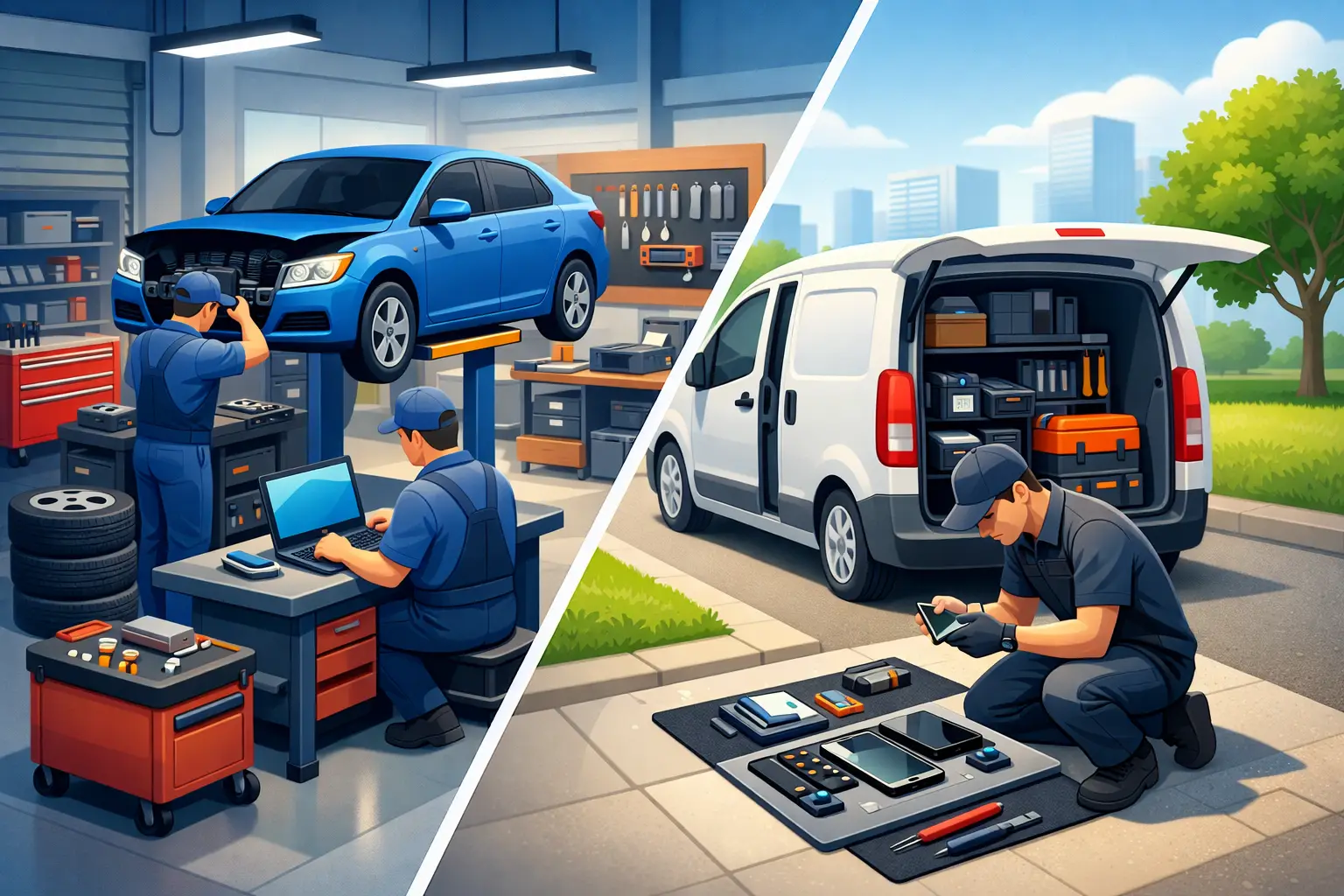
A traditional repair shop requires you to unplug the computer, pack it safely, drive it in, explain the issue, and leave it there. The technician works in a controlled environment with benches, tools, replacement parts, and test equipment. That setup is useful when a device needs extensive disassembly, soldering, part-level work, or several rounds of testing.
A mobile technician comes to your home or office. Instead of asking you to recreate a problem at a counter, they can see the computer where it normally runs. They can check the router, cables, printers, monitors, software, Wi-Fi signal, shared drives, and other connected equipment that may be causing the trouble.
For many everyday computer issues, the repair itself is not the hardest part. Finding the actual cause is. A laptop that cannot print may have nothing wrong with the laptop. The issue could be a printer connection, a network setting, a driver conflict, or a weak wireless signal. An on-site visit can make that diagnosis much faster.
When a Repair Shop Makes Sense
A shop is often a practical choice when the computer needs work that is best done on a dedicated bench. For example, a device with liquid damage may need to be opened, inspected, cleaned, and tested over time. A laptop with a broken screen, damaged charging port, failing keyboard, or swollen battery may need parts ordered and installed in a controlled workspace.
Shop service can also make sense if you are not in a hurry and can comfortably go without the device for a few days. If the repair requires a specialty part, the computer may need to remain with the technician regardless of where the initial diagnosis happens.
There is one trade-off to consider: a shop cannot see your complete environment. If the problem only happens at your desk, on your business network, or with a particular accessory, the technician may need you to describe details that are easier to see in person. That does not make shop repair ineffective. It simply means the repair process may involve more back-and-forth for setup-related problems.
When a Mobile Technician Is the Better Choice
Mobile service is especially valuable when moving the device is difficult, risky, or simply adds unnecessary delay. A desktop computer with multiple monitors, external drives, a scanner, and a wired network connection is not something most people want to disconnect and carry across town. The same is true for a small office server, a point-of-sale workstation, or a computer that runs shared files and business applications.
On-site help also works well when the issue may involve more than one device. A technician can troubleshoot a home office where a laptop, printer, router, and phone are all affected. At a business, they can assess workstations, Wi-Fi coverage, switches, firewall settings, shared printers, and network storage as one connected system.
For remote workers, the convenience is often the deciding factor. You do not have to lose an afternoon driving to a shop, wait for a pickup call, then rebuild your desk setup afterward. A technician can troubleshoot where you work and confirm that the computer, internet connection, camera, microphone, and monitors are all functioning before they leave.
At Don’t Panic! Computer Repair, mobile and remote support are designed around that practical need: fast help where the problem is happening, with clear hourly billing and no need to haul equipment across Salt Lake City unless a bench repair is truly necessary.
Cost: Look Beyond the Repair Quote
It is reasonable to compare hourly rates and diagnostic fees, but price is more than the number on an estimate. Consider the time you spend packing equipment, driving to a shop, waiting in line, returning for pickup, and reconnecting everything at home or at work. For a business owner, add the cost of employee downtime when a workstation or network is unavailable.
A mobile technician may charge for travel or have a minimum visit time, depending on the provider. In return, you may get faster diagnosis and fewer repeat visits because the technician can test the complete setup. A shop may be less expensive for a straightforward component replacement, particularly if you can drop off the device without disrupting your day.
Ask for clarity before work begins. You should know whether diagnostics are free, whether labor is billed hourly or by the job, how parts are priced, and whether there is approval required before additional work. Clear answers matter more than a vague low starting price.
Speed Depends on the Type of Problem
If your computer will not start because of a failed power supply or drive, the speed of repair may depend on whether the right replacement part is available. In that case, a shop or mobile technician can only move as quickly as part availability allows.
But many urgent issues do not require a replacement part. Malware cleanup, software crashes, email problems, printer setup, account access, Windows troubleshooting, slow performance, and network problems can often be addressed on-site or remotely. A mobile technician may be able to start immediately, which matters when you need your computer for school, work, or customer service.
Businesses should pay particular attention to response time. A server issue or failed network connection can affect an entire team, not just one person. Waiting until someone can transport equipment to a shop may turn a manageable interruption into a full day of lost productivity.
Security and Privacy Considerations
Both service options can be safe when you work with a trustworthy local provider. Still, each has different privacy considerations. Taking a computer to a shop means leaving the device and its data with someone else for a period of time. That is common and often necessary for major repairs, but you should always ask how devices are stored and who can access them.
With an on-site technician, your computer stays in your home or office. You can be present while work is performed, and the technician can help you verify that your accounts, files, backups, and security software are in good shape. This can be reassuring for people who handle financial records, client data, medical information, or sensitive business documents.
Before any repair, make a backup if the computer is still usable. If it is not, tell the technician which files matter most. A good technician will explain the risk before attempting work that could affect data, especially during drive replacement, operating system repair, or malware removal.
Questions to Ask Before You Choose
Can the technician diagnose the problem at my location?
If the issue involves Wi-Fi, printers, external displays, business software, shared folders, or network equipment, on-site diagnosis is usually the most efficient first step. Ask whether remote support is also available for software problems that do not require a visit.
Will my computer need to leave my home or office?
Some repairs cannot be completed in one visit. A technician may need to order a part or bring the device to a workshop for deeper hardware work. Ask this up front, along with the expected timeline and how your device will be handled.
What will I pay if the repair is not worth it?
Older computers sometimes need more labor or parts than they are worth. Ask for an honest recommendation before spending money. The right answer may be repair, an upgrade, data recovery, or replacing the computer and transferring your files properly.
Choose the Service That Reduces Your Downtime
A repair shop is valuable for complex hardware work and repairs that need a full bench setup. A mobile technician is often the faster, less stressful choice when the computer is part of a larger home or office environment, when transportation is a hassle, or when you need help now.
Start with the problem in front of you. If it is tied to your desk, your network, or the way you work, having a technician see it in place can save time and prevent guesswork. The goal is not just to make the error message disappear. It is to leave you with a computer setup that works when you need it.