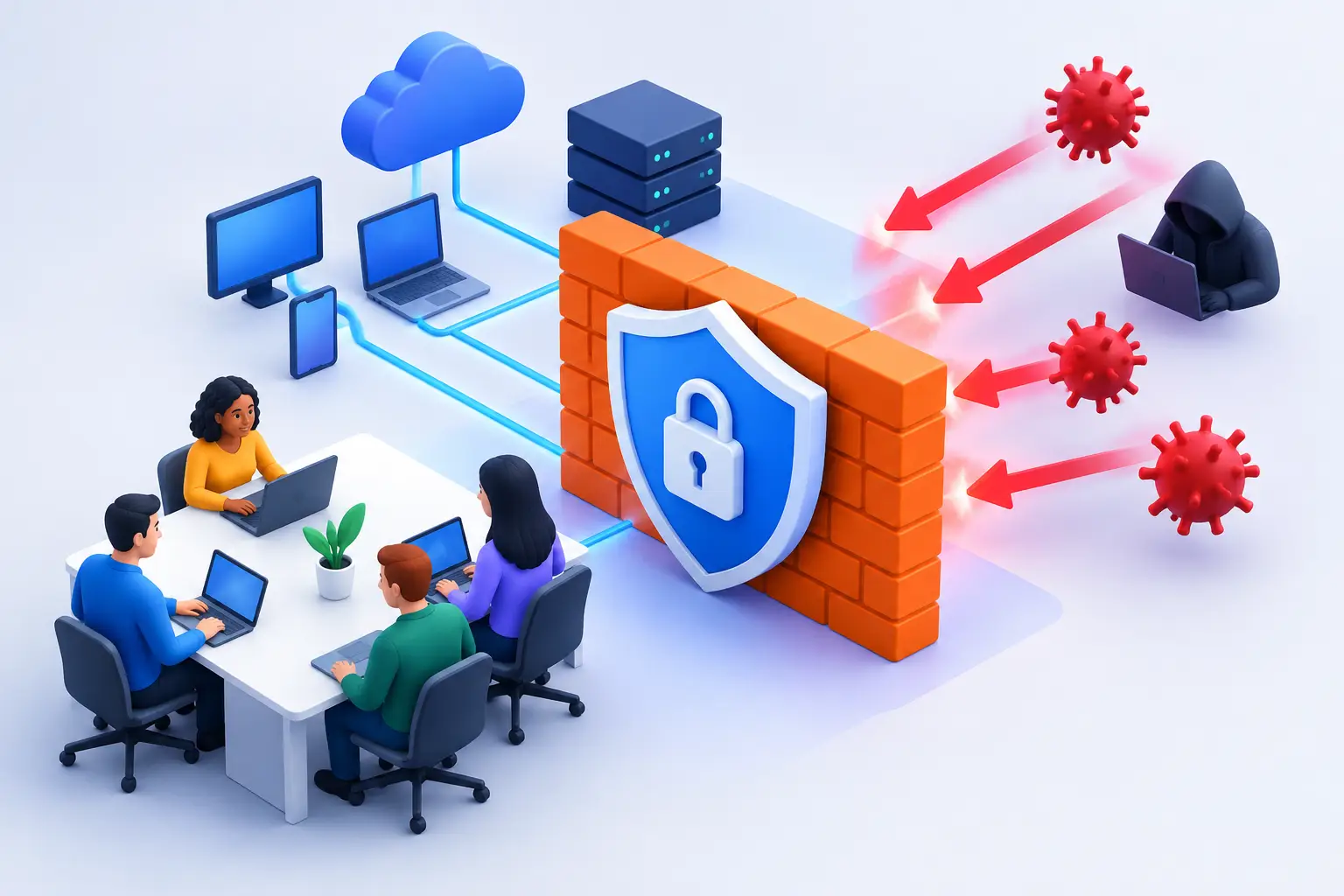
A firewall that only blocks a few obvious threats is not enough when one bad email, infected laptop, or exposed remote connection can interrupt an entire workday. The best business firewall features help small companies control who and what can access their network without making normal work harder. For a Salt Lake City business without a full in-house IT department, the goal is simple: keep staff productive, customer data protected, and problems contained before they become expensive downtime.
What a Business Firewall Should Actually Do
A business firewall sits between your network and the internet, monitoring traffic moving in and out. It can block known malicious activity, limit unnecessary access, separate sensitive systems from everyday devices, and give your IT provider a clearer view of what is happening on the network.
That does not mean every company needs the largest or most complicated appliance available. A five-person office, a medical practice, a contractor with field staff, and a retail shop all have different traffic patterns and risks. The right firewall should match the size of the network, the number of remote users, the applications the business relies on, and the level of support available to manage it.
A firewall is also not a replacement for backups, endpoint protection, software updates, or employee awareness. It is one important layer. When those layers work together, a single mistake is less likely to turn into a business-wide emergency.
Best Business Firewall Features to Prioritize
Threat detection and intrusion prevention
Modern business firewalls should do more than check a list of allowed ports. Intrusion prevention examines network traffic for known attack patterns, suspicious behavior, and attempts to exploit vulnerable software. When it sees a credible threat, it can block the connection before it reaches a workstation or server.
This feature is especially useful for businesses that use cloud services, accept remote connections, or have equipment that cannot always be updated immediately. It needs regular security updates to remain effective, so verify who will monitor the firewall and apply those updates after installation.
Web and content filtering
Web filtering lets a business block dangerous, inappropriate, or unnecessary websites by category or reputation. That includes known phishing pages, malware-hosting domains, and newly registered sites that may be risky.
The benefit is not about policing every employee. It is about reducing the chance that one rushed click opens the door to ransomware or credential theft. A sensible policy can block clear security risks while allowing legitimate research, banking, vendor portals, and the tools your team needs.
Application control
Many threats do not arrive through a visibly suspicious website. They use applications, encrypted traffic, cloud storage tools, remote-control software, or unauthorized file-sharing services. Application control gives the firewall more context than a basic allow-or-block rule.
For example, a company may allow Microsoft 365 and approved cloud storage while restricting unknown remote-access programs. This reduces shadow IT without preventing staff from doing their jobs. The trade-off is that overly aggressive controls can interfere with legitimate software, so they should be tested carefully rather than switched on blindly.
Secure remote access and VPN support
Remote work is normal for many local businesses, whether employees work from home, travel between job sites, or need after-hours access to files and systems. A firewall with secure virtual private network, or VPN, capability can encrypt that connection and require users to authenticate before reaching internal resources.
Look for support for multi-factor authentication. A password alone is easy to reuse, guess, or steal through a phishing email. Requiring a second verification step gives the business meaningful protection against compromised credentials.
Remote access should also be limited to what each person needs. An employee who needs accounting software may not need access to a server administration screen, security cameras, or every shared folder on the network.
Network segmentation
Network segmentation separates devices into controlled groups instead of placing every computer, phone, printer, guest device, and server on one flat network. That makes a major difference when something goes wrong.
A guest Wi-Fi network should not have access to office workstations. Point-of-sale equipment, security cameras, smart TVs, and other internet-connected devices should not automatically be able to communicate with sensitive accounting or customer-data systems. If one device is compromised, segmentation helps stop the issue from spreading.
This feature is often overlooked because it takes planning. It is also one of the most practical ways to reduce the impact of a problem that cannot be prevented completely.
Traffic visibility and useful alerts
A firewall should provide clear reporting on blocked threats, failed login attempts, unusual data transfers, and devices connected to the network. Good visibility helps identify issues early, but an endless stream of technical alerts is not useful if nobody reviews them.
For small businesses, the best setup is usually a firewall configured to send meaningful alerts to the person or IT provider responsible for action. Alerts should be tuned over time. A notice about repeated failed VPN logins may need immediate attention; a routine status message may not.
Automatic updates and ongoing management
Security features are only as good as their current threat definitions, firmware, and configuration. A firewall left untouched for years can become another vulnerable device on the network.
Choose equipment that receives ongoing vendor support and can be updated safely. Then decide who owns the day-to-day work: checking alerts, reviewing logs, renewing subscriptions, updating firmware, and documenting changes. The least expensive firewall can become costly if it is never maintained.
Features That Depend on Your Business
Some firewall capabilities matter more in certain environments. If your team handles payment cards, patient information, legal records, or financial data, stronger logging, access controls, and compliance-aware configuration may be necessary. If you have multiple locations, you may need secure site-to-site connections and centralized management.
Businesses with large file transfers, cloud backups, video calls, or many users may need more processing capacity. Security inspection takes resources. A firewall that is powerful enough on paper but slows internet traffic during normal use will frustrate staff and may encourage unsafe workarounds.
For a very small office with a few managed laptops, a properly configured security gateway may be appropriate. For a growing company with servers, guest Wi-Fi, remote workers, and specialized devices, a dedicated next-generation firewall is usually the better fit. The difference is not the label on the box. It is whether the configuration supports how your team actually works.
Common Firewall Mistakes That Create Risk
Buying hardware is only the first step. Problems often appear when a firewall is installed with default settings, broad access rules, and no plan for maintenance.
Avoid opening remote desktop access directly to the internet whenever possible. Use a secured VPN with multi-factor authentication instead. Do not leave old user accounts active after an employee leaves, and do not use one shared administrator password across the business.
Another common mistake is treating guest Wi-Fi as an extension of the office network. Guests should be isolated, and business devices should use a separate protected network. The same principle applies to smart devices, cameras, and printers that may not receive timely security updates.
Finally, do not block services without understanding the effect on business operations. A rule that appears to improve security can break payroll, cloud backups, vendor software, or remote access. Changes should be documented, tested, and reversible.
A Practical Way to Choose a Firewall
Start by taking inventory of what needs protection: workstations, servers, mobile devices, printers, Wi-Fi networks, cloud applications, and remote users. Then identify what cannot go offline for long. That might be a scheduling system, a shared file server, a point-of-sale terminal, or access to customer records.
Next, focus on capabilities rather than brand names. Confirm that the firewall supports intrusion prevention, web filtering, application control, network segmentation, secure VPN access with multi-factor authentication, and manageable reporting. Ask about subscription costs and support renewals, not just the upfront equipment price.
It also helps to plan the installation around business hours. A firewall replacement may require changes to Wi-Fi, printers, remote connections, and vendor systems. Preparing those details in advance reduces surprises and keeps downtime short.
For small businesses, plain-language support matters just as much as a feature list. Don’t Panic! Computer Repair can assess your network, explain the options clearly, and help put protections in place without turning a necessary security upgrade into another source of stress. A well-configured firewall should quietly protect the business in the background, leaving your team free to focus on the work in front of them.